


You want Robux. The shop has a wall of cards with numbers on them, and none of them say "Robux" in a way that makes sense at a glance. Here's how to read them before you spend anything.
How Roblox gift cards actually work
A Roblox gift card is prepaid credit, not a bundle. You buy a card with a face value, redeem the code on Roblox, and the balance lands in your account as Robux or as store credit you can spend in the Avatar Shop, on game passes, or on Premium. Nothing expires, nothing is tied to a device, and there's no subscription hiding in the fine print.
Two families show up in most stores:
Robux cards load a set amount of Robux straight into your balance. These are the ones most people mean when they say "Roblox gift card".
Credit cards load a cash balance you can spend across the Roblox store, including on Premium.
Both are region-locked. A US card redeems to a US account, a UK card to a UK account, and a mismatch is the single most common reason a code refuses to work.
Which card to pick
Start from what you're actually buying, not from the biggest number on the shelf:
A specific item or game pass. Add up the cost, then buy the smallest card that covers it. Over-buying leaves balance sitting in an account you might not touch for months.
A monthly spender. Premium is the better deal over a card top-up, because it pays out an allowance every month and discounts some purchases. Work out the yearly cost before you commit.
Occasional player. A mid-value card is the sweet spot. It covers a couple of items without locking up a large amount of credit.
Gifting someone else. Buy the digital code and send it. No plastic to lose, and the recipient redeems it whenever they like.
Whatever you choose, check the region and the platform notes on the product page before you buy. Roblox cards are not tied to a console, but seller terms on regional codes vary, and it's much easier to check first than to chase a refund after.
Where the value actually comes from
The card value is fixed by Roblox, so the only real variable is what you pay for it. That's where a digital marketplace beats a supermarket shelf: you're buying a code at a lower price than the card's face value, delivered by email in minutes rather than a trip to the shops.
A few habits that consistently save money:
Compare the price of the card against the cost of buying Robux directly on Roblox. The gap is the whole point.
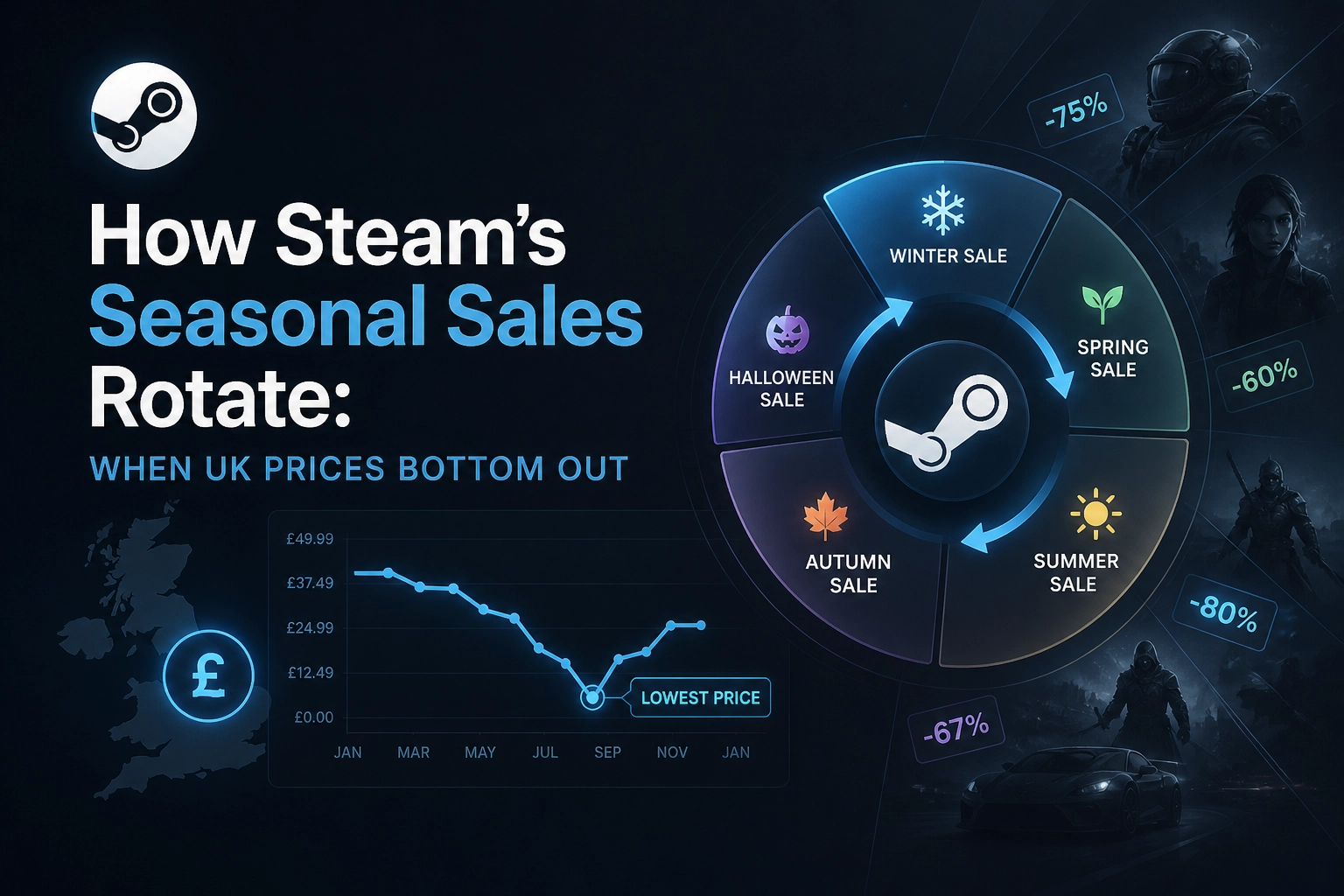
Buy during seasonal sales, when retailers discount digital cards harder than physical stock.
Skip the biggest denomination unless you know you'll spend it. Bigger cards are not automatically better value.
Keep the redemption email. Support can find an order from it if a code needs checking.
Redeeming your code
Redeem on the official Roblox site while signed into the account you want the Robux on — not a friend's, not a sibling's. Enter the code exactly as it appears, including any dashes, and avoid copy-pasting trailing spaces from an email.
If the code fails, check three things in order: region match, that the code hasn't already been used on that account, and that you're on Roblox's own redemption page rather than a third-party page asking for your login.
Common mistakes worth avoiding
Buying the wrong region. The most frequent cause of failed redemption by a mile.
Sharing a code. Once it's redeemed, it belongs to that account. There's no transfer.
Assuming card value equals Robux value. Check what the card loads before you compare prices.
Leaving credit idle. If you're topping up every month anyway, premium is the better structure.
The short version
Pick by what you're going to spend, not by the biggest number on the card. Match the region to your account. Compare the card's price against buying Robux in-game — that difference is where digital sellers win. If you're buying a Roblox card for yourself or as a gift, you can grab one from our Roblox collection, delivered digitally so there's nothing to wait for in the post.