


So you've got your eye on a shiny new Switch game, or maybe you're just trying to top up your account for the next big indie release. You grab a UK Nintendo eShop gift card, scratch off the back, punch in the code, and... nothing. Or worse, it works, but you realize you can't actually use the credit you just bought. If that sounds like a nightmare, you're not alone, because it's surprisingly easy to lose money on the wrong currency.
We're going to walk through exactly how UK eShop credit works before you spend a penny. You'll learn why region and currency have to match your Nintendo Account, how that credit can cover Nintendo Switch Online memberships as well as games, and the frustrating reality of why a wrong-region code can't be refunded. We'll also cover what eShop credit can't buy and wrap up with a simple pre-purchase checklist. Think of this as your safety net, so you don't hand over cash for a code that won't work. Let's get into it.
Why Nintendo eShop Credit Is the Most Region-Sensitive of the Big Three
A cheap Nintendo eShop card stops being cheap the moment it is bought for the wrong country. A code issued for another region cannot be spent on a UK account, converted into GBP, or moved anywhere else. The value just sits there, and that is the difference between a bargain and a waste of money.
The mechanism is simple enough. eShop credit is tied to the country set on the Nintendo Account that redeems it, and the wallet lives in that country's currency. A UK account holds pounds sterling, so a code minted for a different region's eShop has nothing to apply to.
Other console storefronts restrict gift card codes by region as well, but Nintendo's account-country setting and country-by-country pricing make mismatches easy to trigger, particularly when shoppers chase discounted codes from third-party sellers or resale sites.
The most common failure is buying for someone else. Gift a code to a friend, partner or family member whose Nintendo Account country isn't the United Kingdom, and you get a rejection message. There's no workaround short of that person changing their account country, which doesn't carry a wallet balance across. No patch fixes that, whatever the Call of Duty: Modern Warfare 4 rumours might have you fired up about.
The rules below lean on Nintendo's own UK support pages and terms, but account settings and policy wording change, so check the current Nintendo UK documentation before you buy rather than treating any of this as permanent.
What UK eShop Credit Is and How It Is Redeemed
With that region rule in mind, here's what you're actually buying. People use "eShop credit" for two different things. A Nintendo eShop Card is a code sold at retail or by digital retailers, and it carries a region label. Wallet credit bought inside the eShop with a card or PayPal is the other, and it is the card you shop around for.
On a Switch, sign in with the Nintendo Account that matches the code's country. Open Nintendo eShop from the HOME menu, select your user icon, then Redeem Code (also shown as Enter Code). Type the code exactly, confirm the amount shown, and check your balance under your account in the eShop.
You can also redeem through the Nintendo Account website while signed in. Handy if the console isn't nearby or the code is for someone using the same account. Both routes fail if the account country and code country don't match.
Before typing, check you're on the right account, not a second local profile. Don't half-scratch the panel. Enter characters manually, especially 0 and O.
Region labels beat card artwork. ElectronicFirst stocks gaming gift cards across major platforms and regions, so read the country and currency in the product description before checkout. It's the same region-first habit you'd use for PSN Gift Cards.
Why Region and Currency Must Match Your Nintendo Account
The rule is simple and unforgiving: a code issued for one country's eShop only redeems on a Nintendo Account set to that country, so a UK code needs a UK account. A mismatch is rejected, and no amount of retrying will change that.
The setting lives in your Nintendo Account profile, not on the console. Moving house, travelling, changing the console language or buying a Switch abroad does not change which eShop you can access or which codes work.
The Country Change Trap
Switching country in your account settings changes which eShop you can open, and Nintendo's UK support pages list an existing eShop balance as a reason a country change can be blocked. Check the current wording there before relying on any of this.
Mismatches You'll Actually Hit
A card sold as "Europe" or "EU" that is really country-specific
A US card bought because it looks cheaper
A marketplace listing that never states a country
A gift sent to someone abroad who assumes a UK code will work
The Two-Minute Pre-Check
Open your Nintendo Account profile on the web or console and read the country field. Then read the country and currency on the product page you are about to buy from. If those two do not match, stop there rather than buying and hoping.
Yes, eShop Credit Can Pay for Nintendo Switch Online
So you've checked the account country. Good. Now here's the bit that surprises people: a UK eShop card isn't just game money. Nintendo Switch Online memberships can be paid for with funds already sitting in your eShop wallet.
You can buy a fixed 3-month or 12-month individual or family membership from the eShop, where your wallet balance is applied at checkout. Or set up auto-renewal. Nintendo's UK support page says the renewal price is deducted from your eShop funds, with a registered card or PayPal as backup if the balance is short.
The pricier Expansion Pack tier adds extra classic-console libraries and downloadable content, so a larger card makes more sense if you want that tier.
A standalone Switch Online membership card or download code is a separate product from a wallet top-up. Treat its country label exactly the same way.
Wallet credit only covers a purchase if the full amount is there, so check the current UK eShop price of the tier you want before you buy the card.
If you'd rather put that money towards a game you own the game outright, that's a different calculation. And for a wider look at where your money goes across consoles, see PlayStation vs Xbox: Why PS5 Still Wins and What to Buy.
What eShop Credit Cannot Buy or Do
Even though UK eShop credit is genuinely useful, it is also tightly boxed in. Here is what it will not do.
It will not leave the account that redeemed it. Wallet credit is non-transferable and tied to a single account, so it can't move to a second account, be pooled with a friend's balance or be split across profiles on the same console. It stays put.
It will not buy physical goods. Amiibo, accessories, merchandise and repairs aren't sold through the eShop, and a GBP eShop balance will not pay for a physical order from Nintendo UK.
It cannot be cashed out or transferred, and redemption is effectively final. Nintendo's long-standing position has been that eShop sales are final, a stance the CMA scrutinised in its 2019 investigation into online gaming roll-over contracts (CMA investigation), though that probe focused on subscriptions. Check Nintendo UK's current refund wording and any expiry date on your code before you redeem, rather than assuming either way.
It will not cover everything you see next to games. Anything billed outside the eShop, including services and purchases a publisher sells through its own store, is paid for separately.
It cannot be gifted as a balance. There is no way to add money directly to someone else's wallet. You buy a code and pass it on, which is why the region label matters so much.
It will not cover a shortfall automatically. If your balance is less than the item, you'll need to top up or pay the rest another way, so plan the card value around the current UK eShop price, not an old exchange-rate memory.
Next, let us look at wrong-region codes and why refunds are so hard to come by.
Wrong-Region Codes and Why They Cannot Be Refunded
Once a code is revealed, whether you scratched a panel or it appeared in your order confirmation, a retailer can't resell it or prove it wasn't redeemed, so it generally becomes non-returnable. That is the practical reason the rule exists, not just a company being difficult.
Nintendo cannot fix a mismatch either. Support is unlikely to convert the code, move the value into a UK wallet or issue UK credit in exchange. And once anyone has redeemed a code, the value is gone for good.
There is some dated context worth knowing. A 2018 Norwegian Consumer Council study found the Nintendo eShop was the only one of seven digital game platforms tested with no refund options, with terms saying all sales were final and telling customers to check requirements before buying. The NCC argued those terms breached the EU Consumer Rights Directive. That was a consumer body's finding about game purchases, not a court ruling.
UK consumer law has its own rules on cancelling digital purchases and on digital content that is faulty or not as described, and post-Brexit UK law is not the same as the EU directive the 2018 report discussed. None of that turns a wrong-region code into a valid UK purchase, so check the current position before you buy.
What can you do? Keep the order confirmation and the code, and contact the seller straight away if it has not been redeemed. As with other gift card codes, a wrong-region code from a marketplace is usually a check-before-you-buy problem, not an after-sales one.
Finally, forget the loophole thinking. Workarounds like a VPN or a payment method from abroad are not a safe way to make a mismatched code redeemable. The deciding factor is the country set on your Nintendo Account.

The Pre-Purchase Checklist for UK eShop Cards
Before any money changes hands, run this quick checklist. It takes two minutes and saves the sort of mistake that no support ticket can undo.
Check the label, not the artwork. Confirm the code says United Kingdom and GBP, not Europe, EU, US or left unspecified. Read the product description carefully because cards can look identical.
Check your account country. Your Nintendo Account must be set to United Kingdom before you pay. Switching country later changes your eShop access but does not carry wallet funds with it.
Match the credit to the job. Decide if it is for a specific game, a Switch Online membership including the Expansion Pack tier, or general use, then check the current UK eShop price so the card covers it. Wondering how membership length affects value? Our guide to Xbox Game Pass Ultimate: 1, 3 or 12 Months to Buy? breaks down the term length maths, and the same principle applies here.
Leave the code hidden. Do not reveal it until you are ready to redeem on the right account, and keep your order confirmation in case the code itself has a problem.
Check the latest rules. Before you act, verify current Nintendo UK support pages for redemption steps, region and refund wording, card expiry and Switch Online billing.
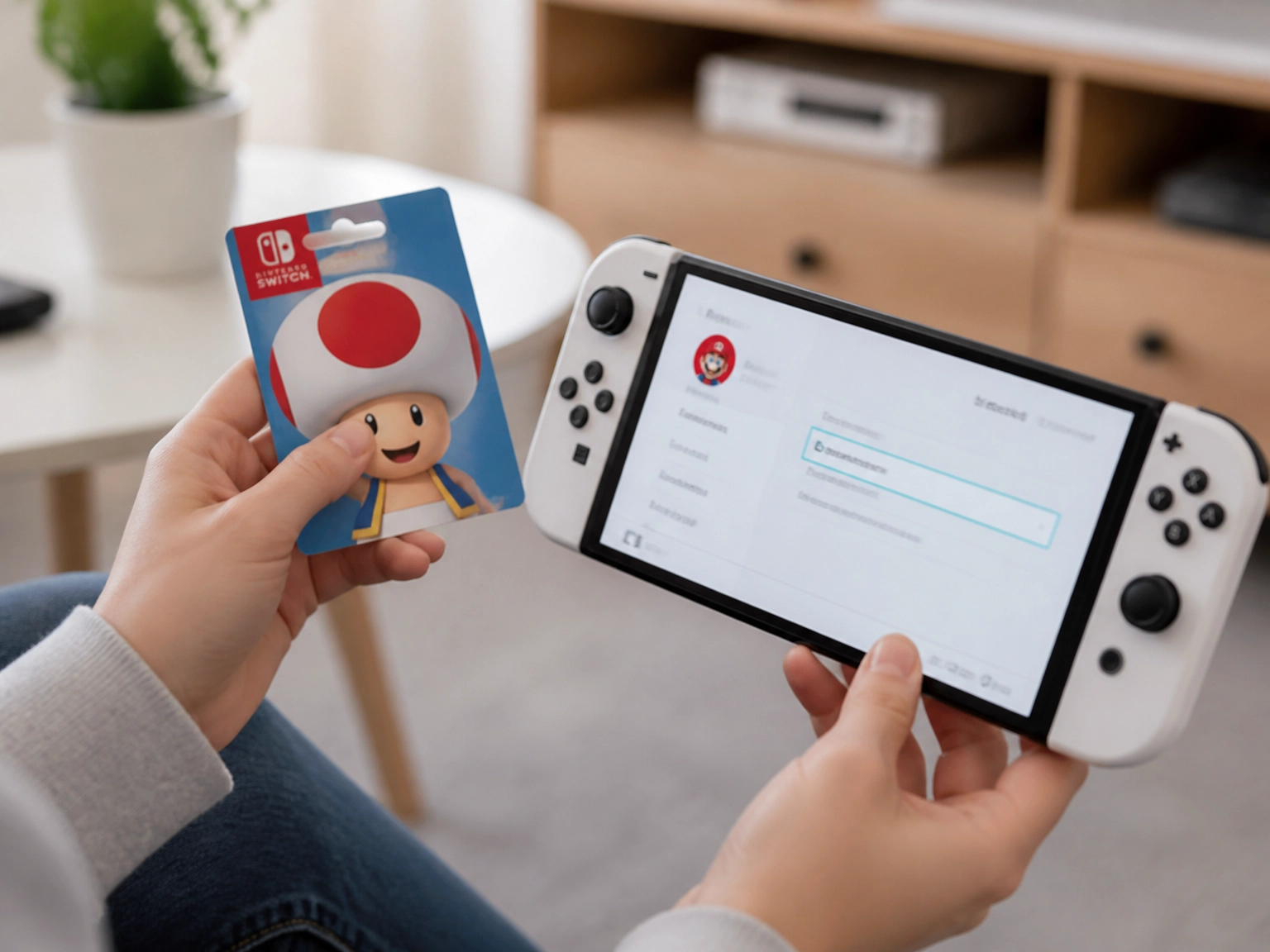
Match the Card to the Account Before You Buy
Once the checklist is done, the only thing left is the decision itself.
First, UK eShop credit lives in a UK Nintendo Account wallet. Second, that balance can pay for a Switch Online membership as readily as it can pay for a game. If you are also weighing up other subscriptions this year, we have already looked at whether Xbox Game Pass Ultimate is still worth it in 2026. Third, a wrong-region code cannot be converted or refunded, full stop.
And treat the 2018 Norwegian Consumer Council findings as dated context, not as today's rules. Then act. Know whether you are buying for your own UK account or for someone else, buy the matching region, and leave the code unredeemed until it is about to be used.
Conclusion
UK eShop credit doesn't leave much room for error, and that shapes everything else in this post.
The rule that saves the most hassle is simple: check the account country and code country as a pair, then buy.
Get that check right, and the rest of the process is just pressing buttons.