


So you want to top up your Steam Wallet without linking a card? A Steam gift card in the UK is one of the simplest ways to add funds, whether you're buying a new release, grabbing a DLC pack, or treating a friend. If you're ready to skip the shops, ElectronicFirst is an option for purchasing digital gaming products, but first, let's get the basics straight.
What Is a Steam Gift Card?
A Steam gift card is prepaid credit for Steam, not a voucher for one specific game. You buy it, redeem the code, and the value lands in the Steam Wallet of whichever account redeemed it.
The names you'll meet
UK retailers, packaging and forums use several terms for the same thing: Steam gift card, Steam Wallet gift card, Steam Wallet code, top-up card. If you want the finer distinctions, there's a fuller breakdown of Steam Wallet codes versus gift cards. Once the code is on your account, the card or the email it came in doesn't matter.
What a Steam Wallet actually is
It's a balance held on your Steam account in a single currency, visible wherever you check your account. Redeemed funds stay inside Steam. They aren't a bank balance, they can't move to another account, and they can't be cashed out.
People buy them to top up without entering card details, to cap spending before a sale, or as a gift for someone tricky to buy for.
Worth checking before you pay: a card is tied to a currency and region, which we'll get into below.
What Can You Buy With a Steam Gift Card in the UK?
Short answer: pretty much anything on the Steam store that's paid for in pounds. That covers full games, from day-one releases to indie gems and cheap back catalogue pickups, all at the store's normal GBP price.
Then there's the smaller stuff. Downloadable content, season passes, expansions and upgrade editions are exactly what a £5 or £10 top-up is for when you're a few pounds short of the full thing.
In-game items and microtransactions work too, as long as the game uses Steam Wallet as its payment method. Be aware that some games handle their in-game purchases outside Steam's own checkout, so it's worth checking before you top up for a specific purchase. If you tend to sink money into free-to-play titles, our guide to what free Steam games really cost you is worth a read.
Steam also sells non-game items, including software and tools sold through the store.
What the balance won't do matters just as much. It can't buy physical goods, pay for hardware, transfer to a friend's account or act as a withdrawal account. To give someone games, buy them a gift card or use Steam's own gifting options.
Before a big sale, check your Wallet balance in the top-right of the store or in the client, so you know what's already sitting there.
Steam Gift Card Denominations Available in the UK
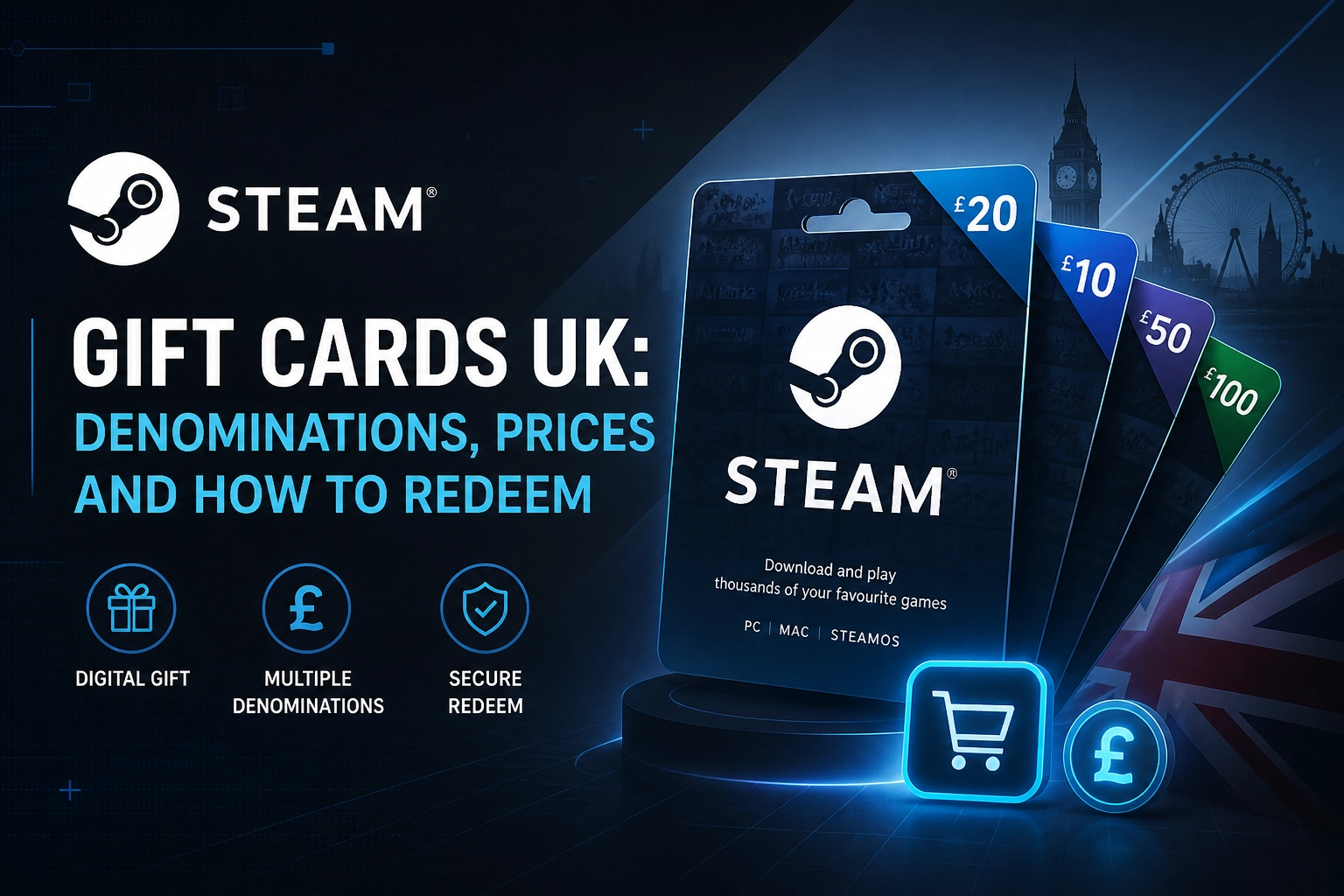
Steam gift cards come in fixed values rather than one flexible amount, and UK cards are issued in pounds sterling. The exact GBP denominations on sale change, so check the Steam store or a verified UK retailer for the current line-up before you buy, and don't assume a tier exists just because someone mentions it.
A code's value is what loads onto the account. What a retailer charges for a digital code can differ from its value, so compare before buying and only trust discounts a retailer has actually published.
As a rough guide, smaller tiers suit a single cheaper game, a bit of DLC, or plugging a shortfall before a sale, while larger tiers make more sense for a full-price release or a season's worth of purchases. If you're timing a top-up, it pays to understand Steam's UK sale price cycle.
Shop stock and digital ranges don't always overlap, so the tier you want may only be available as a digital code.
One currency note before you buy: a UK card loads GBP into your Wallet, and Steam requires the currency on the code to match the one your Wallet uses. That match is what decides whether a code will redeem at all, which leads straight into the region question below.
How to Redeem a Steam Gift Card (Step by Step)
Card bought, code in hand. Redemption takes about a minute.
1. Sign in to the right account. Log into the Steam account you actually want the credit on. Codes load to whoever redeems them, the transfer cannot be undone, and that catches people out on a shared PC.
2. Find the redemption page. Open Steam's own gift card or wallet code redemption page in the client, a browser or the mobile app. In a browser or the mobile app, sign in to the Steam store and reach the same wallet redemption screen.
3. Enter the code exactly. Type every character as printed, then follow the confirmation prompts. Wallet codes are long strings of letters and numbers, and a single mistyped character is the usual culprit.
4. Confirm the value. Check the currency and amount on screen before accepting. Funds land once the code is accepted, so verify by checking your Wallet balance in the client or store.
If it will not redeem. Rule out a mistyped character, a code issued for another country, or a code that has already been used. If none fit, contact Steam support with your purchase receipt.
Spending Wallet funds on a game still falls under Steam's refund policy, so a bad purchase is not a dead loss.
Safety first. Never post a photo or screenshot of an unredeemed code, and be wary of anyone offering to redeem one for you.
Can You Use a Steam Gift Card in Another Country?
This is what sits behind most rejected-code complaints. Wallet codes are issued for one currency and one region, so a UK card loads pounds sterling and is meant for an account set to the UK. Redeem it on an account tied to another country and it will not go through. Once a code is rejected for a currency mismatch, the credit isn't something you can force in afterwards.
Steam's own Region Restrictions support page is the authority here. Read it before you spend money on a code from overseas, because the stakes are your cash.
Your account's country isn't something you can simply switch on a whim, so changing it is not a free workaround for a card that does not match. The same currency-matching idea shows up across platforms; if you have topped up a Microsoft account, our look at how Xbox gift card credit works covers that parallel.
The everyday scenario is a gift bought abroad for someone in the UK, or a UK card for an account that has since moved. Check the currency printed on the card, or stated in the retailer's listing, before buying for someone else.
One last thing: a code can reach you wherever you are, but delivery is not compatibility. The currency on the code decides.
Digital vs Physical Steam Gift Cards
So the region is sorted. Now, physical or digital?
Physical Steam gift cards are the ones you pick up in a shop: a card with the code hidden on it. They are easy to hand over, but they mean a trip out, and a damaged card can leave the code unreadable.
Digital codes are bought online and arrive by email or appear on screen at the end of checkout. No postage, no wait. Better for a last-minute gift, or for someone who never goes near a game shop.
The bit that trips up newcomers: both formats redeem the same way and load the same credit. The format changes how you receive the code, not what it does.
On security: physical cards can be tampered with on a shelf, while digital codes from an established retailer avoid that risk entirely.
Buy digital when you want speed and can copy a code accurately. Buy physical when the card itself is the gift, or when the recipient would rather not deal with an emailed code. Topping up for a launch-day release? How new game prices slide is worth a read.
Why Buy Steam Gift Cards Online in the UK?
That digital edge is why so many UK buyers order their codes online rather than heading into town.
Convenience is the headline: no trip into town, no postage to wait on, and a code that reaches your inbox. That makes digital cards a genuine emergency-gift option when the birthday is today.
Prices for digital codes vary between retailers, so compare the value you actually get rather than the headline number. A code's face value loads into your Wallet whoever sells it, but what you pay for it and how fast it arrives can differ.
They are not only for gifting, either. Buying your own code lets you top up without saving card details on Steam or cap your spending at a set amount before a sale.
Marketplaces such as ElectronicFirst, a digital seller of gaming gift cards, game keys, subscriptions and software across major platforms, cover this ground, though it is worth checking the region and currency on any code before paying.
Codes sold especially cheaply on forums or social media are a classic scam, and fraudsters posing as Valve staff to request high-value codes is a pattern worth knowing. Never share an unredeemed code.

Steam Gift Cards UK: Frequently Asked Questions
Do Steam gift cards expire?
Steam Wallet credit generally isn't subject to an expiry date, but confirm the current position on Steam's own Wallet FAQ and Subscriber Agreement rather than trusting forum posts.
Are Steam gift cards region locked?
Yes. Codes are issued for a specific currency and region, so a UK card loads GBP and belongs on a UK account (the region section above has the detail). If you buy gift cards for other platforms too, it's worth reading up on UK Nintendo eShop credit rules.
How do I get my code after buying online?
Digital codes reach you by email or appear on screen at checkout. Keep that email as your receipt, and never forward the code to anyone, even someone offering to redeem it for you.
Can I use more than one gift card on the same account?
Yes. Each code is redeemed separately using the same steps.
Can I withdraw Steam Wallet funds as cash?
No. Wallet credit only works inside Steam, so treat a top-up as store credit rather than money in the bank.
What if my Steam Wallet code will not redeem?
Check the region and currency first, then the characters, then whether it has already been used. Still stuck? Contact the seller for your purchase record and Steam Support for account help.
Where should I buy a Steam gift card in the UK?
Physical cards from High Street retailers, or digital codes from established online sellers. Either way, check the region and currency before you pay.
Key Things to Remember Before You Buy
Steam gift cards are prepaid Wallet credit, redeemed with a code, that buys games, DLC and in-game items inside Steam. It is not cash: it cannot be withdrawn and it cannot be moved to another account.

The rule that catches people out most often is currency and region. A code loads the currency it was issued in, so match the card to the account that will redeem it before you pay.
Your quick pre-purchase checklist:
Confirm the denomination suits what you actually plan to spend.
Check the card's region and currency match the account.
Buy from an established seller with real support.
Redeem the code as soon as it arrives.
Keep your receipt in case the code is rejected.
Best timing? Top up before a Steam sale, so the credit is already sitting in your Wallet when the discounts land.
Conclusion
Match the region and currency before you pay, choose a denomination that fits what you actually plan to spend, and redeem the code as soon as it lands. Keep the receipt too, just in case.
Your next step is straightforward: check the region and currency on the account you are topping up, then buy a card that matches it.
Used well, that credit sits in your Wallet until a sale hits, and your backlog suddenly costs a lot less. Top up now, and be ready when the discounts drop.