


Ever added a game to your cart, hesitated, and then watched it drop by 75% two weeks later? You are not imagining it. Steam discounts run on a rhythm, and once you spot it, paying full price starts to feel like a choice rather than a necessity.
In this guide, we are breaking down how the next Steam sale tends to line up across the year, why older games fall further than fresh releases, and how to read a discount properly instead of getting excited over a shallow cut. We will also look at checking UK prices in GBP using SteamDB, so you know what you are actually saving. From there, we will show you how a wishlist turns all this into a simple routine: wait for the right point in the cycle, then buy. No spreadsheets required. Just a bit of patience and a clearer picture of when prices tend to bottom out.
Why the Steam Sale Cycle Feels Random (But Is Not)
"Next Steam sale" is rarely a question about a secret date. It is a question about a repeating window. In our experience Valve only advertises a sale on the store page once it is live, which is exactly why a straight answer is so hard to find when you go looking for one.
As far as we can tell from the outside, Valve does not publish a full annual sale calendar in advance (Steamworks' seasonal sales documentation). So any "when is the next Steam sale" answer is a projection drawn from the pattern of previous years. Treat it as an educated guess, not a confirmed schedule.
Two different things fill the year. Our read of the store is that it runs a small number of large seasonal sales, where a huge slice of the catalogue is discounted at once, with a steady stream of themed festivals and publisher weeks in between. Players call both a "Steam sale", but they behave quite differently, and mixing them up is why so many searches end in disappointment.
For a practical check, SteamDB keeps a sale history page under a "When is next sale?" heading at SteamDB's sale history page. SteamDB states clearly that it is not affiliated with Valve or Steam, and its page contents should be read in full before quoting anything from it.
How the Seasonal Sale Calendar Repeats

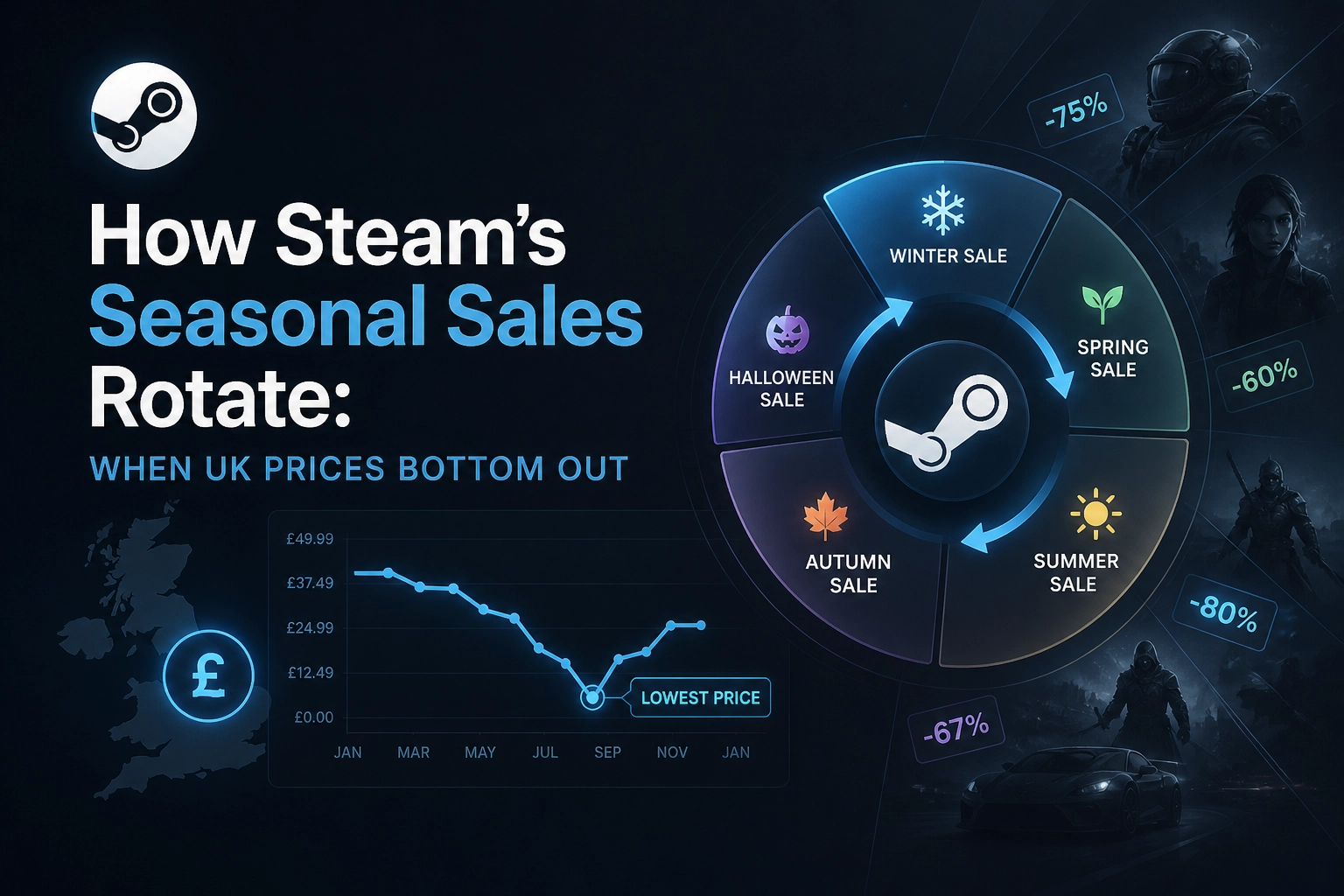
Once you accept the cycle is a pattern rather than a published timetable, the year splits into three headline events. In our experience the summer sale has tended to land around midsummer and acts as the big mid-year clearance, with a wide slice of the catalogue discounted at once. A shorter autumn event usually follows a few months later and often feels like a bridge into the holidays rather than the main event. The winter sale has, in our experience, tended to run across the holiday period and is the one most players plan around, thanks to gift-buying and end-of-year downtime.
SteamDB listed “Steam Immersive Storylines Game Festival 2026” as ending on 11 November when we checked, which is a themed festival rather than the autumn sale and a point-in-time example of how events appear on the page. The calendar also has to share space with launches such as Football Manager 27's 10 November release, which is not a sale event at all.
Sale windows have tended to run for a week or two in our experience. Before assuming discounts stay steady or change mid-window, verify current behaviour on Steam or SteamDB. Treat every projected date as an estimate until Valve announces it.
Why Older Games Drop Further Than Launch-Window Titles
Age is the main reason. Back-catalogue means a game has been out long enough for its base price to be cut, often sitting at £30, £20 or less. Launch-window loosely covers the first year or so, when a game still tends to sell near full RRP. The effect compounds. Picture two games with the same 50% badge: a £60 new release drops to £30, while an older £10 title falls to £5. Same percentage, very different cash result. The percentage also says nothing about whether that price is genuinely low.
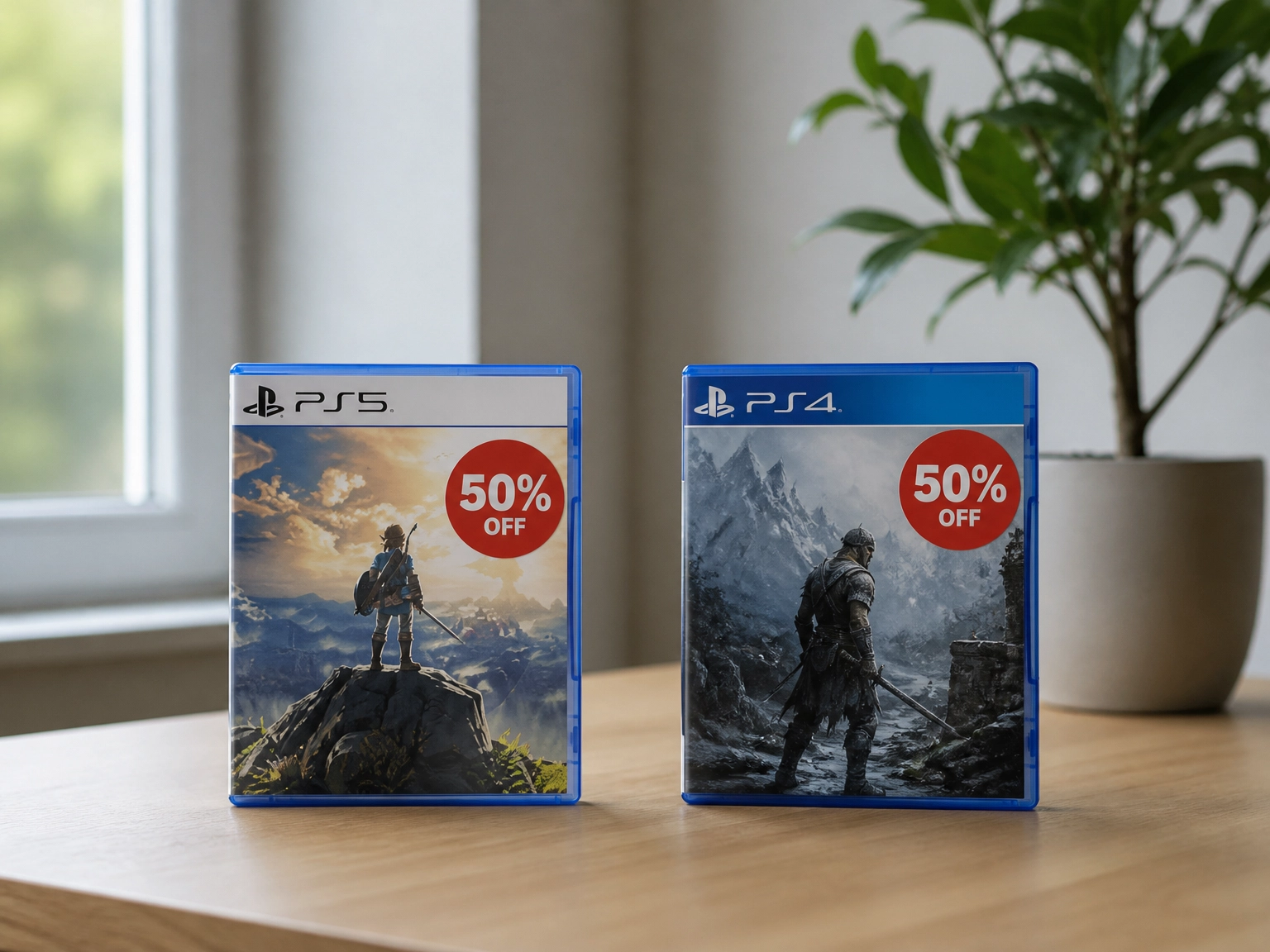
Our sense is that publishers have an incentive to protect a new release, so during launch discounts tend to stay shallow and short and the game keeps its premium feel. Once the main sales wave has passed, older titles become recruitment tools for sequels, DLC or subscriptions, so deeper cuts make sense.
Genre matters too. Long-running multiplayer games tend to hold value while their player base is active, in our experience. Narrative single-player titles often fall fastest because once you have finished the story, there is little else to sell you.
So for anything more than a year old, patience usually pays. If you're waiting on a PC bargain and also weighing up console exclusives, our PlayStation vs Xbox: Why PS5 Still Wins and What to Buy guide is worth a read.
How to Tell a Real Price Drop From a Shallow One
Knowing that older games drop further is only half the battle. To judge whether an individual deal is genuinely good, use SteamDB's low-price filters, which let you narrow the sales page down to standout discounts. Treat the site as an independent tracking tool, not an official Steam source.
When we last checked the SteamDB sales page, well over a thousand products matched those filters at once.
Never judge a deal by percentage alone. Ninety per cent off a £3 game saves you £2.70, while fifty per cent off a £30 game saves £15.
One last habit worth forming: ElectronicFirst sells PC game keys for back-catalogue titles at competitive prices, so a quick comparison before checkout is worth the minute.
Reading UK Prices in GBP Without Getting Fooled
Those SteamDB filters only help if you're reading the right currency. SteamDB can show sale prices in GBP, so you can skip the converter.
That proves display, not parity. A GBP figure on SteamDB tells you what the UK store is showing, not that the UK pays the same as the US, and how VAT is handled in a displayed UK price is something to verify rather than assume.
The practical check is simple. Set your account region to the United Kingdom, open the individual product page rather than the search listing, and compare the GBP figure shown there against the GBP column on SteamDB for the same title. Then look at whether VAT appears to be included. If you're also weighing subscriptions, our guide to Xbox Game Pass Ultimate 1, 3 or 12 month terms applies the same cost-per-month logic in GBP.
How to Use Your Wishlist to Catch the Bottom of the Cycle
Once you can read GBP prices properly, the wishlist stops being a shopping list and becomes a trigger. The alert only tells you a discount is live. It does not tell you whether that discount is good. So add only games you would genuinely buy at a target price. A wishlist full of maybes turns every alert into noise.
Before a sale window opens, look up each game's historical low on SteamDB and write that figure down in GBP. That number is your trigger, not the percentage shown on the store page. Keep that number in front of you, and when an alert matches it, that is your signal to buy. Festival weeks are worth watching too, in our experience, because niche and genre titles often surface there outside the big seasonal windows.
A Simple Buying Routine for the Next Steam Sale
Once a sale is live, it helps to have a routine rather than scrolling and hoping. Here is one you can repeat every time.
Before the window opens, open your wishlist and run each game through SteamDB's historical low and two-year low filters. Record the GBP figure for each.
Set a personal maximum per game based on those figures. Note which titles have never dropped below their current best price. Those are the ones to buy the moment a matching low appears, because waiting has historically gained nothing.
On day one, sort your wishlist by discount, then compare each deal against the target you wrote down, not the pre-sale price. The pre-sale price is just a reference point, and it can flatter a discount.
Hold anything still inside its launch window, and hold any title whose discount is shallower than its previous best. Depth of discount matters far more than the size of the banner.
Before checkout, compare prices on the older titles on your list. Back-catalogue games are where comparing retailers tends to pay off, and ElectronicFirst lists PC game keys for exactly those titles at competitive prices.
If a deal doesn't match your number, let it pass. The cycle will come round again.
The Bottom Line on Steam Sale Timing
So that is the routine in full. Strip it back and the whole strategy rests on three things: the cycle repeats on a seasonal rhythm, discount depth scales with how old a title is, and the wishlist is what lets you wait for the right moment instead of guessing at it.
If you keep only one habit, keep this one. Check the historical low in GBP before you buy, every single time. It takes a minute and it quietly prevents most full-price purchases.
Keep it honest about the calendar, too: any date you see online, including the ones in this guide, is a pattern-based estimate, so check it close to the time against Steam itself.
Watch the seasonal windows, keep your wishlist tight, and compare back-catalogue prices across retailers at checkout. That is the whole approach, and it works because it asks you to do less rather than more.
Conclusion
Steam's seasonal sales follow a rhythm you can actually work with. The calendar repeats, older games drop deeper than recent launches, and historical lows in GBP are your best guide to a genuine deal. The wishlist is what turns all of that into a habit rather than a scramble.
Your next step is simple: before the next seasonal window opens, trim your wishlist down to the titles you truly intend to buy, and check each one's previous best price in GBP. Then at checkout, compare back-catalogue prices at retailers like ElectronicFirst, where older titles are most likely to undercut Steam.
Do less, wait better, and let the cycle come to you. Your backlog will thank you.