


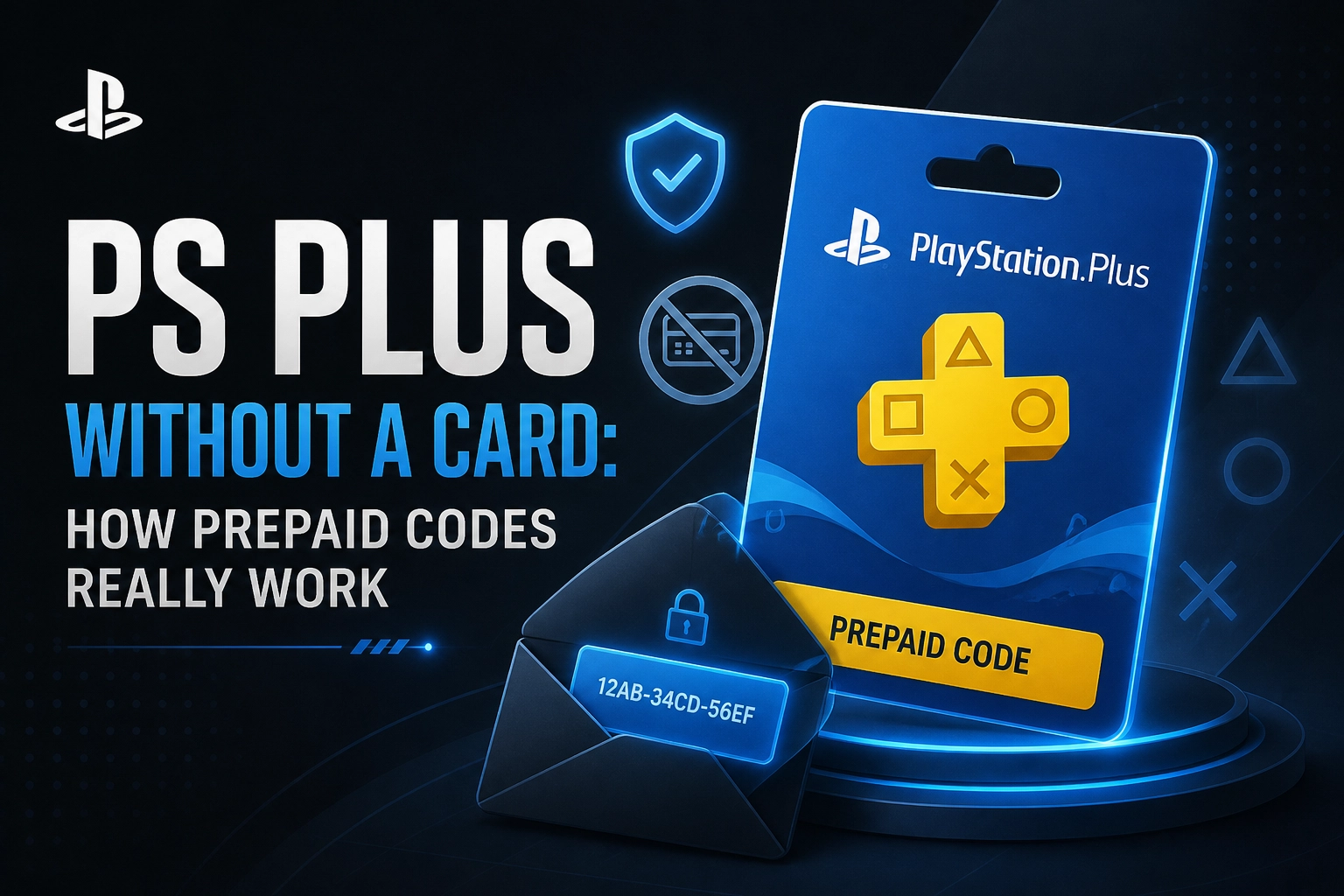
The phrase "PS Plus gift card" gets thrown around a lot, but it's not really how PlayStation's service works. PS Plus is a recurring subscription, not a one-off card you can hand over like a Steam voucher. That little distinction trips up plenty of UK buyers who just want to pay once, gift someone a few months of online play, or avoid auto-renewal surprises. This guide is for anyone who's ever stood in a shop, stared at a prepaid code, and wondered if it'll actually do what they need. We'll unpack how a membership behaves when you pay with a code instead of a card. You'll learn why prepaid membership time is locked to the region it was sold in, what happens when you stack a code onto a subscription that's already running, and the point where PlayStation Store wallet credit simply stops being useful. By the end, you'll know which payment format fits how you actually play, and what to check before you spend a penny.
Why "PS Plus Gift Card" Is the Wrong Mental Model

Searching for a "PS Plus gift card" is where most of the confusion starts. PS Plus is a recurring subscription attached to your PlayStation Network account, not a card you top up at a till. Sony's PlayStation Terms of Service (version 12, last updated April 2026) lists subscriptions and PlayStation Store Wallet Funds as separate Digital Products, and that distinction matters at checkout: a prepaid membership code buys time on PS Plus, while wallet funds buy store balance you spend yourself.
Mix them up and you can end up holding credit that will not do the job. PSN gift cards load wallet balance; they do not add membership days. The same logic applies across digital storefronts, as our guide to Roblox gift cards explains.
Much of the advice online repeats unconfirmed claims, like PlayStation regions being permanently locked or foreign bank cards always failing. Check those against your own account. Gifting a subscription to someone else's account is not straightforward. The code itself is the gift, and it must match the recipient's region.

What You Are Actually Buying: Membership Time or Wallet Balance
Here's the distinction that actually matters at checkout.
A PS Plus subscription is time-limited access to a membership tier, billed on whichever period you pick. That time unlocks the features that come with your tier. It's also part of the PlayStation vs Xbox decision.
A prepaid membership code loads a fixed period onto your account. You're buying duration, not money, and once the period ends there is nothing left over.
A wallet top-up code loads money into your PS Store balance, and you decide what to spend it on. The PlayStation Terms of Service list Wallet Funds as a Digital Product in their own right, held on your account for store spending. That's renting access versus buying the game outright.
The two aren't interchangeable, and UK shelves don't always label them clearly. "12 months PS Plus Essential" and "£25 wallet top-up" are very different purchases, so read what the product delivers before paying.
Sony also notes that available products vary by Authorised System and location, so a code type that exists for one country's store may simply not exist for another.
Quick self-check: do you want a fixed block of membership you control, or a balance you can spend on anything in the sale? Answer that and the format usually picks itself.
How PS Plus Cost Works Across Tiers and Billing Periods
The cost side is simpler than it looks. It comes down to two variables: the tier, and the billing period.
Higher tiers unlock more, but pick the lowest tier that covers what you actually play and check the current tier list before you buy.
The Billing Period Does More Work Than You Think
Longer billing periods cost more upfront, but they are the usual route to a cheaper per-month rate. That only holds if you stay subscribed. Cancel twice a year and the cheaper monthly equivalent is worth nothing to you, and buying a long plan for a short habit is the single most common way people overpay for PS Plus.
Prices Move, So Check Before You Compare
Sony has revised PS Plus pricing in the UK and US before, including a round of changes in May 2026. Check the live price in the PlayStation Store or on your console rather than trusting a screenshot or an old guide.
This is where prepaid codes earn their place. You pay the retailer's price today for a fixed membership length, so the cost is settled at purchase instead of following the store price for the next twelve months. Subscription pricing shifts elsewhere too, as we found weighing up whether Game Pass Ultimate is still worth it in 2026.
Region Locking: A Code Only Works Where It Was Sold
That certainty only holds if the code redeems. Your PlayStation account is tied to a country, and Sony's terms tie code redemption to the region the code was sold for, so region is built into the code: a UK code belongs on a UK account, a US code on a US account.
Sony's Terms of Service say available products vary by Authorised System and location, which is the closest the official wording gets to confirming regional differences. That is enough reason to check before you spend. You will see claims that PlayStation regions can never be changed, that foreign cards are always rejected, and that a VPN is a safe workaround. Sony does not confirm any of that in the sources we checked, so verify on your own account.
Practical step: check the country registered on your PlayStation account in your console settings, then buy a code for that exact country. Moved country? Talk to PlayStation Support rather than guessing. UK buyers should buy codes listed as UK or GB region and treat vague "global" or "works anywhere" listings with suspicion. A code with no stated region is a gamble, and the failure mode is money sitting in an unusable code. The same region rules apply to any digital purchase, including a game code you fancied after reading what we know about Call of Duty: Modern Warfare 4.
Stacking: What Happens When You Redeem a Code Mid-Subscription
Region settled, what happens when the code lands on your account?
Redeem a PS Plus code while an active subscription is running and the code's duration is added on top of the time you have left, rather than replacing your existing period.
Official documentation thins out here. Sony's support page on changing a PS Plus subscription does not spell out every stacking case in full, and Sony has blocked extensions on active subscriptions in the past around major tier launches. So confirm current behaviour on PlayStation's support pages before buying a stack you are relying on.
Once redeemed, check your new end date in your account's subscription settings straight away. Catching a problem while the code is fresh beats chasing it later. Holding several codes? Redeem one at a time and confirm the date moves before entering the next, so a dud never disappears into a pile of successful ones.
That is why stacking matters commercially: a discounted annual code redeemed while time remains on an auto-renewing sub can extend the cheaper period rather than binning the leftover time. The same logic applies to Game Pass, and our Xbox Game Pass Ultimate: 1, 3 or 12 months to buy? guide runs the numbers.
Where PS Store Wallet Credit Stops Working
End date settled, the next question a lot of people hit is what wallet credit can actually do.
Wallet funds are built for buying things in the store. Games, add-ons, DLC, in-game currency and other digital content all work fine. As a general spending tool, it does the job cleanly.
The narrower question is whether wallet funds can pay for a PS Plus subscription, and whether an auto-renewing subscription with no card attached will pull from your balance. Sony's Terms of Service don't state this clearly either way, so the honest answer is that the documentation thins out here. A user in a PlayStation group asked in December 2025 whether a 3-month subscription would renew automatically from wallet funds, and got nothing authoritative back. Community replies are anecdotes, not policy. Treat them accordingly.
What is clear: wallet funds are region and currency bound, same as codes, so credit bought for one country's store won't cover another.
The habit that prevents most of this grief is cancelling auto-renew yourself after redeeming a prepaid membership code, rather than assuming an empty or healthy wallet will protect you from being billed.
The habit that prevents most of this grief: after redeeming a prepaid membership code, cancel auto-renew rather than assuming an empty or healthy wallet will protect you from being billed.
Auto-Renewal, Cancellation and the "Pay Once" Goal
Once you know what payment method is attached, the next question is how to stop it charging you again. The next question is how to stop it charging you again. Auto-renew on a PS Plus subscription is normally switched on when you subscribe directly through the PlayStation Store, which is exactly why so many people look for a card-free route.
Redeeming a prepaid membership code is generally the format that does not tie a payment card to your account. That makes it the default choice if you want to pay once and stop. Turning auto-renew off stops the next charge rather than ending your subscription early, so only change it once you know what you have already paid for. Check the status in your own account settings after you change it.
Cancelling auto-renew and cancelling the subscription are not the same action. Mixing them up is how people accidentally lose access they had already paid for. If you have been paying by wallet funds, check your renewal date deliberately rather than assuming when the next charge lands. There is no confirmed general rule that covers every payment combination.
Keep your redemption confirmation or receipt. The PlayStation Terms of Service note that UK consumers may have local legal rights that cannot be excluded by the agreement, but reading those rights is easier with proof of purchase in hand.
Matching Your Payment Format to How You Play
Three situations cover most buyers.
Play in bursts a few months a year? A short prepaid code with auto-renew off keeps you in control and never leaves you paying for dead months.
Buying for someone else? The code has to match the recipient's account country, not yours. Ask first. A perfectly good code for the wrong region can't be fixed with a support ticket or a conversion.
If you do buy a code, marketplaces like ElectronicFirst list PS Plus memberships and gift cards. The one thing that matters most is choosing the region that matches the account it's going onto.
What to Do Before You Spend
Whichever format you landed on, a short checklist before you pay will save you a headache later.
Verify anything vague on your own account. Sony's documentation is thin on whether wallet funds cover PS Plus renewals, so check your own payment and subscription settings rather than anonymous advice. Pricing and terms change, so check the current store price before comparing anything.
Conclusion
PS Plus without a card is about getting the format and the region right.
Your next step is simple: open your account settings, confirm your country, then shop for a PS Plus membership or gift card that matches it. Get that right, and you're set for months of gaming.