


You've just bought a shiny new game, you're buzzing to play, and then your Steam keys won't redeem. It's one of the most frustrating moments in PC gaming, right up there with a surprise update right when you finally have time to play.
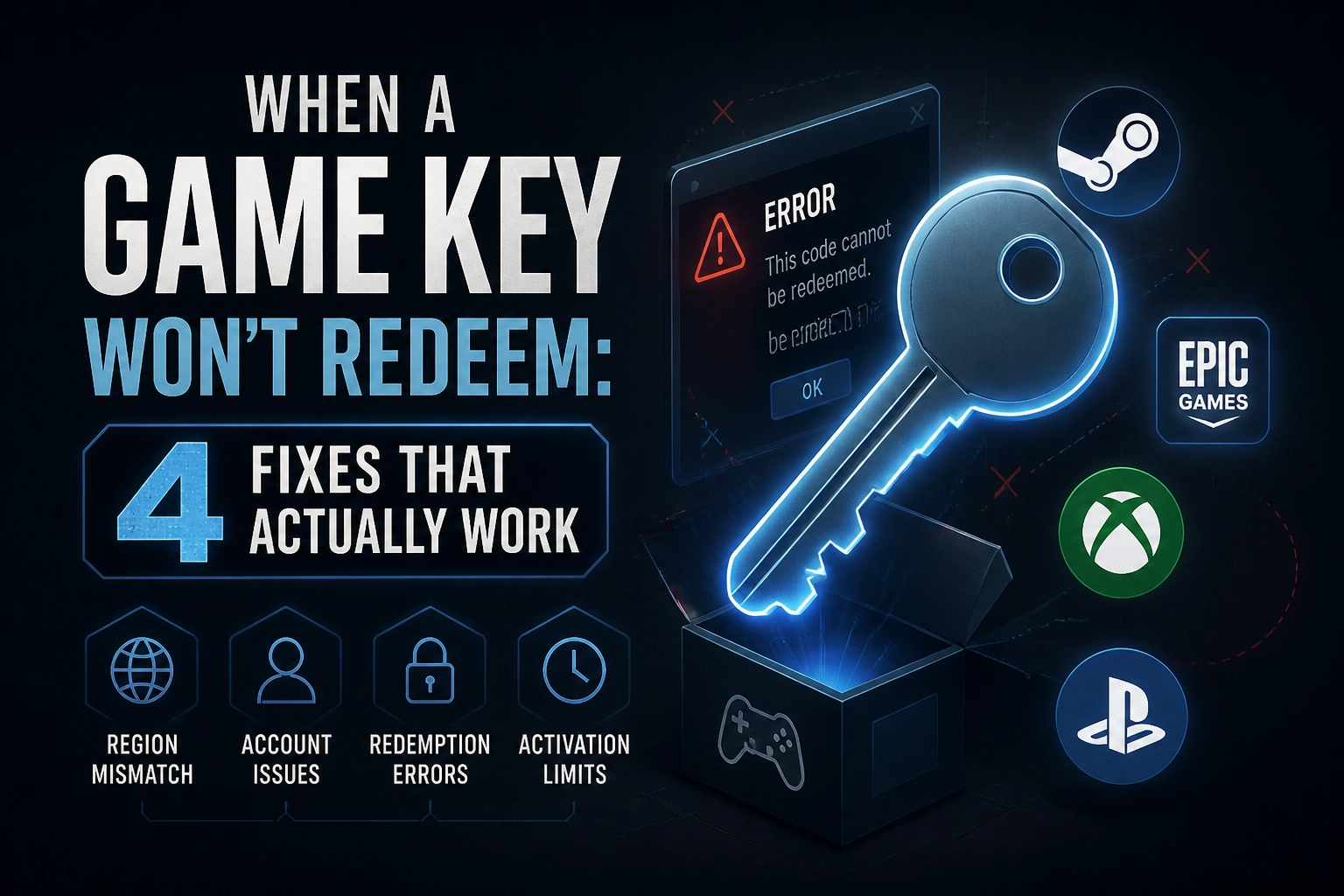
But before you fire off an angry email or assume you've been scammed, take a breath. Almost every failed redemption comes down to one of just four simple causes. Once you figure out which one you're dealing with, you'll know exactly what to do next. Do you retry, contact support, or ask for a replacement? The answer is usually clearer than you think.
So what goes wrong, and how do you sort it without losing an evening to support tickets?
Sourcing your game keys from a trusted store, like ElectronicFirst, is a great start. But even then, snags happen. So let's get your game activated. First step? Read that error message before you do anything else.
Read the Error Message Before You Contact Anyone
Almost every failed game key redemption comes down to one of four things, and the wording of your failure is your first clue to which one it is. Read the exact error text. Not the price you paid, and not the shop it came from. "Invalid" and "already redeemed" sound similar but are different problems with different owners, so they lead to different next steps.
Most messages point to one of a few underlying problems, whether that's a region block, a product that isn't available on your account, or a code that has already been redeemed. Wording varies between Xbox, PlayStation and Steam, so match your message against the platform's current help page.
Run this 30-second check:
Copy the exact error text.
Note the storefront where you entered the code.
Confirm which account is signed in.
If you see a vague "try again later" or connection-style error, it's often worth a single retry after a full sign-out and sign-in. Hard, specific errors like a region block or "already redeemed" won't fix themselves with repetition. Gift card codes follow similar patterns, and Roblox gift cards explained: which card gives you the most Robux? covers region rules and common redemption errors in more detail.
With the message identified, you can work through the four causes in order, starting with the one that catches most buyers.
Cause 1: The Key Is Locked to a Different Region
So you've ruled out a vague error and narrowed it to something specific. Good. Now let's look at the most common cause of a hard failure: a region-locked key.
Publishers price and distribute game keys market by market. That means a code issued for one country often only activates against an account registered there. It's not personal. It's just how the licensing works.
You need to check two things. First, the key's region, which the product page or your order confirmation should state. Second, your account region: this lives in your Microsoft, PlayStation or Steam account settings. It's set by the country you registered with, not where you happen to be sitting right now.
Here's the classic example. You buy a US-issued Steam key and try to redeem it on a UK Steam account. It fails at the activation step. This is exactly how most people end up here: chasing a cheaper key from another region.
A VPN won't save you. The check runs against your account's registered country, not your apparent connection location. Using one can put your account at risk, so don't bother.
One historical footnote: there were unconfirmed user reports in 2014 about Xbox One digital licences failing weeks after redemption. Microsoft never confirmed those reports, so treat them as old noise, not current policy.
If you're planning ahead and want to avoid this mess entirely, it's worth checking release details and platform availability before you buy, whether that's a Call of Duty: Modern Warfare 4 rumour roundup or any other upcoming title.
Cause 2: Right Key, Wrong Storefront or Platform
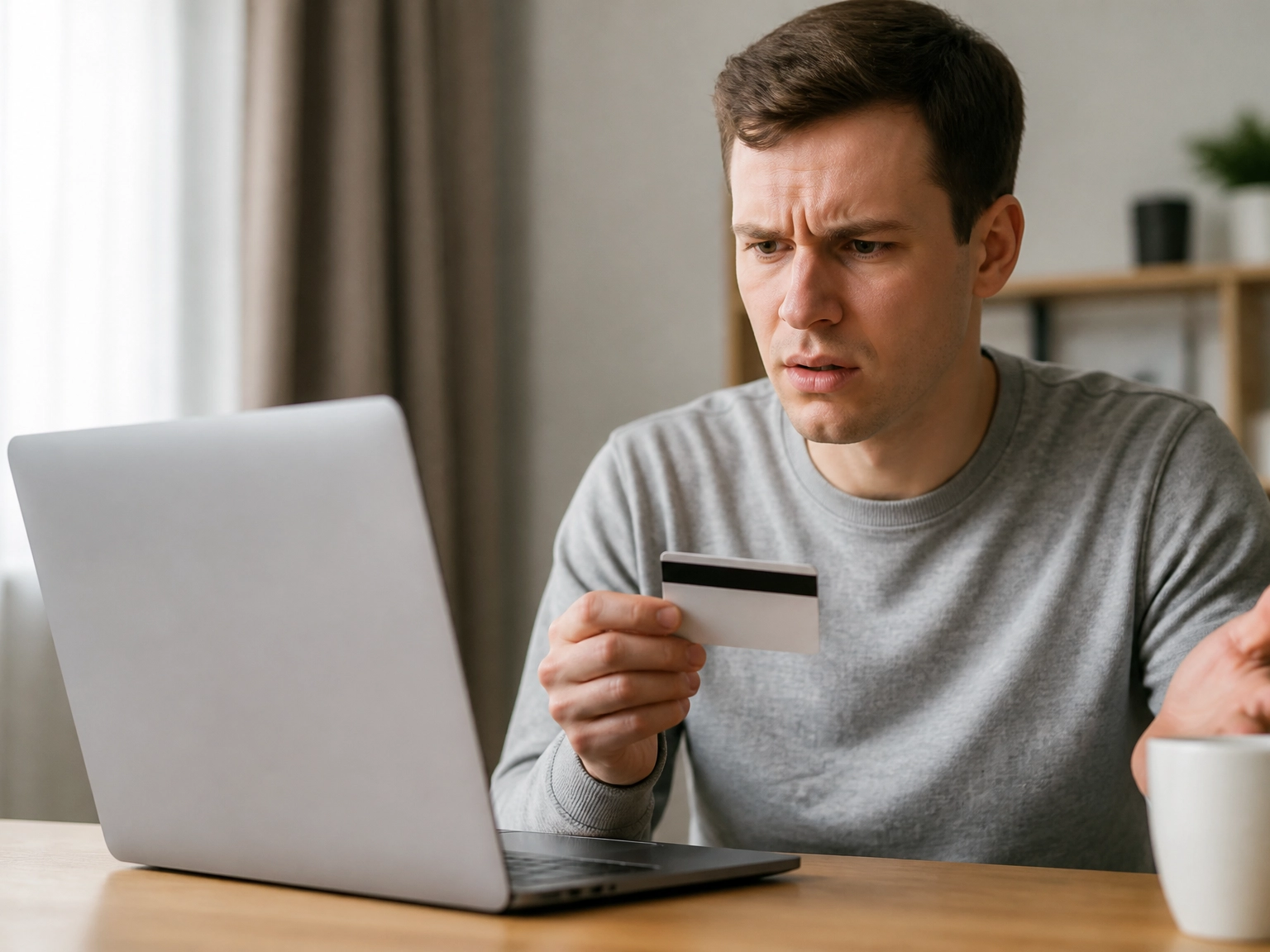
Region is sorted? Good. A perfectly valid UK key can still fail if it's aimed at the wrong storefront.
The rule is simple: a key is issued for one storefront, and only that storefront will accept it. The same game sold for three platforms means three separate, non-transferable codes.
Most buyers trip up by confusing the platform they play on with the storefront the key was issued for. Buying from a key retailer doesn't change which storefront has to accept the code, so a catalogue that spans every major platform beats troubleshooting after.
Fast ways to tell them apart: the code's format and length, the redemption instructions included with your order, and the specific "redeem a code" page the seller pointed to.
Common edge cases include codes entered on an account that doesn't own the required base game, and legacy keys from defunct launchers that no longer activate anywhere.
If the code won't take, you may be holding an Xbox or Epic code without realising it. Confirming the issuing storefront first saves the whole support process, and that goes for standalone games and subscriptions like Game Pass Ultimate alike.
Cause 3: The Code Was Already Redeemed
If the storefront is right and the code still fails, the next question is whether it has already been used. An "already redeemed" message usually means the code was valid but someone has claimed it. "Invalid" more often points to a typing error, or a code that was never valid in the first place.
Used keys can come from the seller's side: resold or shared codes, codes posted publicly, or retail listings that were activated before delivery. That makes it a seller problem, not a platform one.
Before you assume the worst, rule out a typo:
Check every character against the original. Confuse 0 and O, or 1 and I, and you'll get a failure.
Delete stray spaces and hyphens, then paste the code again.
Confirm you have the full code, not a partial line from the order email.
Also re-read the order confirmation and the seller's redemption instructions. Some sellers issue a code that must be linked or claimed through a specific page rather than typed straight into the store.
If it is genuinely redeemed, platform support can't help. Platform support can't unlock, reissue or transfer a used code. Take the claim back to whoever sold it, ideally with your order number and a screenshot of the error.
Cause 4: You're Signed Into the Wrong Account

If the code is clean and unused, the next suspect is the account staring back at you. A key redeems onto whichever account is signed in at the moment you hit confirm, and once it lands there it stays, even if that account is old, secondary or one you abandoned years ago.
Check before you type: the email in the storefront header, the browser profile you're using, and the console user selected on screen. Profile switching can leave the wrong user active. In shared households, family sharing and child accounts add another layer, because account restrictions can block a perfectly valid redemption.
Some account-state errors also look like region or validity problems. An unverified email, missing recovery details, or an account country that doesn't match where you actually are can stop a code before it starts.
Fix it in this order: sign out on every device, sign into the intended account, then redeem from one clean browser session or directly in the console store. Skip phone links, which can hand off to the wrong signed-in profile.
When to Escalate, and Who Actually Owes You a Fix
If you've ruled out the wrong account, and the error is still hard and specific, like a region block or an "already redeemed" message, stop retrying. Open a case straight away. Repetition won't change a fixed outcome, and it only muddies the timeline if you later need to prove you reported the problem.
What to Gather Before You Contact Anyone
Have this ready before you open a ticket:
Order confirmation with order number and date
The full key, copied exactly
A screenshot of the exact error
The account email and region
The storefront where you entered it
Who Actually Fixes This
Routing the claim is where most people lose days. Take an already-used or region-mismatched key back to the seller as a replacement or refund request.
If the seller goes quiet, US buyers can report the issue to the FTC, which enforces federal consumer protection law and runs a reporting portal at reportfraud.ftc.gov, while UK buyers have their own statutory consumer rights, including remedies for faulty digital content under the Consumer Rights Act 2015. Keep this as a record of the dispute, not a first move.
Chargebacks and payment disputes are a genuine last resort. They tend to end the relationship with that seller for good, so they should follow a documented replacement request that went unanswered, not replace one.
Before You Buy: A Three-Point Check That Prevents All of This
Escalation is a last resort, not a first step. Prevention beats the support ticket every time, and three checks take about two minutes before you pay.
1. Region check. Confirm the key's stated region matches the country registered on the account that will hold the game. Treat vague 'global' labels as something to verify rather than assume.
2. Platform check. Confirm the key is issued for the storefront you actually use, and that you own any base game or prerequisite DLC the code depends on.
3. Account check. Decide in advance which account will own the game, especially in households running several console or Steam profiles.
Then keep the paperwork. Save the order confirmation, because that is the document a replacement or refund request is built on, and screenshot the product page's region and platform details at the time of purchase. If anything goes wrong later, you have the evidence ready.
Trusted stores make a point of showing region and platform details on product pages so you can confirm before paying. Buying in bulk? Wholesale & Bulk Digital Keys for Resellers covers the reseller side, and if you are ready to plug in as a partner, that path is open too.
Read those details, screenshot them, and move on to the fun part: actually playing.
Putting the Four Causes to Work
A hard, specific error means stop retrying. Copy the message, screenshot it, and pull together your order confirmation and the full key. Then take the claim to the seller who issued it, not to the platform, because a platform can't replace a key it never sold.
Conclusion
Four causes explain almost every failed redemption: a region mismatch, the wrong storefront or platform, a code that was already used, or the wrong account signed in. Read the exact error message first, because it tells you which of these you're dealing with. When the fix isn't on your end, escalate to the seller who issued the key rather than the platform, since the platform never sold it. The real solution, though, happens before you buy: check the region and platform details on the product page and screenshot everything.
That's the quickest win here. Those few seconds of checking save you hours of support tickets later.
So here's the short version: never pay for a region or storefront you can't use. Before you buy, take a minute with the product page on ElectronicFirst, confirm it fits your region and platform, and keep that confirmation safe. Then get back to what matters: actually playing the game.