


If you are in the UK and you keep paying month by month for Xbox Game Pass Ultimate, you might be paying for convenience you do not actually use. The service is brilliant when you are deep in a new release, but many players only dip in for a few months a year, then forget to cancel. That makes the term you choose just as important as the retailer. This guide breaks down Xbox Game Pass Ultimate across 1-month, 3-month and 12-month options, showing the effective cost per month for each. We will cover what Ultimate actually costs in the UK, compare 1 vs 3 vs 12 months at a glance, and explain when flexibility is worth the higher rate. You will also see what perks really get you, how cloud gaming, day one releases and EA Play fit in, and which term suits casual, seasonal and year-round players. Finally, we will look at other ways UK players cut the cost and give a clear bottom line so you can buy the right term.
What Xbox Game Pass Ultimate Actually Costs in the UK
Short answer: Game Pass Ultimate is the top tier and the most expensive way to buy it. An October 2025 restructure split Game Pass into Essential, Premium and Ultimate, with Ultimate priced at US$29.99 a month, and UK sterling pricing has been updated since. We checked our figures against Microsoft's official UK store and the Xbox Game Pass Ultimate price update dated 21 April 2026, but re-check before you buy, because rates do move.
The distinction that matters is rolling monthly versus fixed term. Rolling means the store bills you every month until you cancel, at the standard rate. A fixed-term code is a one-off payment covering a set number of months, and its effective monthly cost is usually lower.
UK pricing changes, and third-party retailers set their own prices independently of Microsoft, so their numbers can land above or below the official rate. Term length, not the retailer, is where the real saving sits. And if a standalone 12-month Ultimate code is not sold directly in the UK, we cover the legitimate annual routes later on.

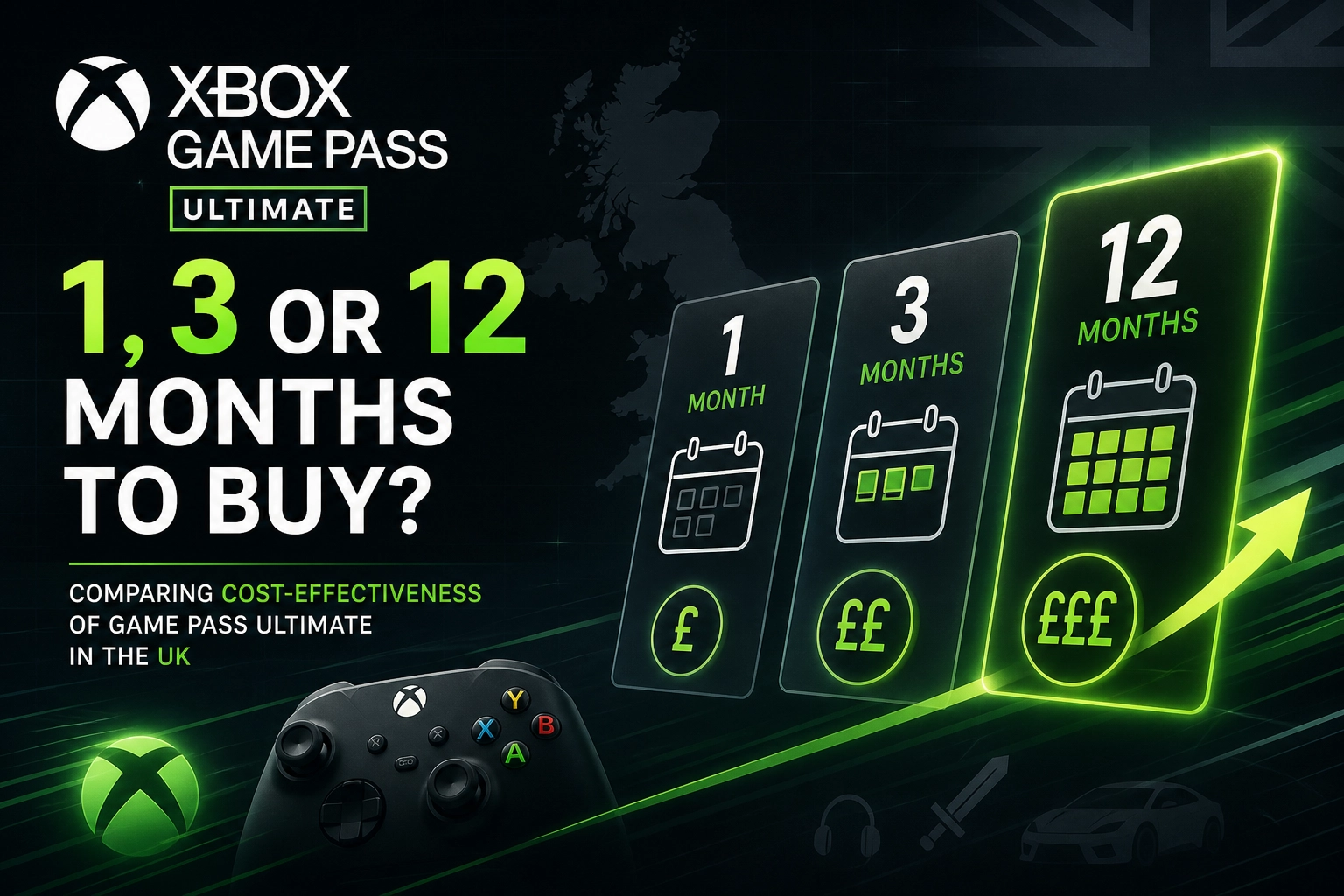
Cost Per Month at a Glance: 1 vs 3 vs 12 Months
Here's the maths, laid out plainly. Microsoft's UK store sets the baseline; third-party retailers price independently, which is why the two rarely match.
Term | Typical UK price | Cost per month | Who it suits |
|---|---|---|---|
1 month | Microsoft UK rolling rate | Total ÷ 1 | Testers, one-off releases |
3 months | Often below 3× the monthly rate | Total ÷ 3 | Seasonal players |
12 months | No standalone UK SKU; stacked codes instead | Total ÷ 12 | Year-round players |
Example figures only. If a 3-month code costs £30, that's £10 a month (£30 ÷ 3). A 12-month route at £120 is also £10 a month (£120 ÷ 12). Where a year costs the same as eight monthly payments, the effective rate falls roughly a third.
Run the gap yourself: (worst rate minus best rate) ÷ worst rate × 100. That single number is the term-length argument made concrete.
Retailer codes often beat the store rate, but region locks and stock vary by seller.
One caveat: trial, promotional and grey-market prices all expire. Never treat them as the standard rate.
Xbox Game Pass Ultimate 1 Month: Maximum Flexibility, Highest Rate
If you have read the breakdown above, the 1-month term is the simplest to explain and the least kind to your wallet.

Buy a month, use it, cancel when you are done. No long commitment, no waiting for a term to expire. It is the cleanest way to test Game Pass Ultimate before deciding whether cloud streaming and day-one releases justify a longer run, which suits players testing the service, anyone between big releases, or someone who wants one specific title for three or four weeks.
That freedom costs. A single month is almost always the priciest per-month rate, and the gap widens again against a three-month or annual route, with the exact figures shifting as Microsoft adjusts UK pricing during its 2026 restructure. Compare Microsoft's official UK store against third-party code prices before checking out, because a 1-month digital code often undercuts the rolling subscription. One caveat: auto-renew keeps charging until you switch it off.
The real trap is habit. Play four months a year at the monthly rate and you are paying premium money for a part-time subscription.
Xbox Game Pass Ultimate 3 Months: The Quiet Middle Ground
If the 1-month term is the price you pay for maximum flexibility, the 3-month option is the quiet middle ground. You get a lower cost per month than paying monthly, without locking in for a full year.
It fits real habits well. One code covers a summer holiday, the Christmas release window, or a stacked run of day-one launches you actually want to play.
Three-month codes are widely sold by UK digital retailers, and they often work out cheaper per month than three separate monthly payments. Just watch auto-renew. After redeeming, check your subscription settings so the term does not quietly roll into another one.
Rule of thumb: count the months you genuinely play each year. Three to five months? Stick with 3-month codes. Six or more, consistently? Then a 12-month route is worth exploring.
Xbox Game Pass Ultimate 12 Months: Cheapest Per Month, With a Catch
Three months is the compromise; twelve is where the rate bottoms out, but only if you commit. Where a 12-month equivalent exists, it delivers the lowest cost per month of any term.
The catch: Microsoft does not always sell a standalone 12-month Ultimate code in the UK. Instead, you build one by stacking shorter codes, converting Core to Ultimate, redeeming Microsoft Rewards points, or buying discounted retailer codes. PCWorld has documented cheap Ultimate routes, including multi-year stacking.
The break-even maths is straightforward. Divide the annual cost by the monthly rate. If an annual route costs the same as ten monthly payments, you need ten months of play to break even; any less and monthly billing wins. That is the main risk of a long term: paying for months you never touch when your gaming habits dip. A cheaper annual route is only cheaper if you use it.
What an Xbox Game Pass Ultimate Perk Actually Gets You
Beyond the monthly maths, Ultimate's extras can tip the value. Perks are the rotating freebies in the Game Pass section: monthly drops for big multiplayer titles, cosmetic bundles, starter packs and the occasional in-game currency. They change every month and expire, so claim them manually from the Game Pass area on your console, PC or the Xbox app. They do not auto-apply.
If you would otherwise buy those bundles, perks are real money saved. But they are not a bigger bundle on longer terms. A 12-month membership simply gives you 12 months of perks; the allowance is tied to time, not term length. A 3-month term gives you three months of claims.
So check the perks hub monthly. Set a reminder, claim what you want, and ignore the rest. It takes a minute and stops anything disappearing unclaimed before you notice it was there.
Cloud Gaming, Day One Releases and EA Play: The Full Ultimate Package
Perks are just one slice of the pie, though. The real Ultimate package comes down to three things: cloud gaming, day-one releases, and EA Play.
Cloud streaming means playing on your phone, tablet, laptop, or supported TV without an Xbox console. That's huge if you travel or share a TV. Day-one first-party releases are the biggest reason many UK players stay subscribed all year rather than dipping in and out. Miss a launch month and you're waiting or paying separately.
EA Play adds a library of EA titles and trials, so it's not just Microsoft's own studios.
Ultimate also includes online multiplayer and member discounts on store purchases, though multiplayer now sits across the cheaper tiers too.
Here's the cost-per-month link: if you actually use cloud streaming, day-one drops, and EA Play regularly, a longer term makes sense. If you only want one of those, a shorter term is fine. The more of the package you use, the more a 12-month route earns its keep.
Which Term Should You Buy? Verdicts by Player Type
All of that only pays off if you genuinely use it, so here's how the maths shakes out by player type.
Casual (a few months a year): Buy 1-month or 3-month codes as you need them and skip the annual commitment entirely. A 12-month term would just fund months you never play.
Seasonal (specific launch windows): A 3-month code lined up with the release calendar is usually the sweet spot. It covers one big day-one run without locking you in for a year.
Year-round (most weeks): The 12-month route, or a stacked conversion, wins on cost per month and it isn't close.
Shared accounts: Splitting a longer term across two players on a home console halves the effective cost for each of you. That can push a 12-month term below what two separate monthly subscriptions cost for just three months each.
So work out your realistic months-per-year first, then pick the term that matches that number. Four months of play doesn't need twelve months of membership.
Other Ways UK Players Cut the Game Pass Ultimate Cost
Picking the right term is only half the battle. A few legitimate tricks can shave more off the bill.
Core-to-Ultimate conversion. Buy Xbox Game Pass Core codes, redeem them, then upgrade to Ultimate. Microsoft converts remaining Core time at a set ratio rather than a straight swap, so 12 months of Core might become far fewer months of Ultimate. Those ratios have changed before and can change again, so check the current figure on Microsoft's support page before you buy Core codes.
Microsoft Rewards. Earn points through Bing searches, quests and the Xbox app, then redeem them for Ultimate credit. It is slow, but plenty of players offset a chunk of their membership this way.
Discounted codes. Digital retailers such as ElectronicFirst often list Ultimate terms below the standard UK store rate, which is the simplest saving for most buyers.
Be careful. Region-locked codes will not redeem on a UK account, grey-market sellers often offer no support, and prices far below the official rate are a red flag.
Buying checklist: confirm the region is UK, confirm the term length, and confirm the code is redeemable on your UK account before you pay.
The Bottom Line on Game Pass Ultimate Terms
If you've read this far, the verdict is short. One month is the most flexible and the most expensive per month. Three months splits the difference. Twelve months wins on rate, but only if you genuinely play for most of them.
So do the boring bit first: count the months you'll realistically use Game Pass Ultimate this year. Four months? Buy four separate months, or a couple of 3-month codes and stop there. Ten or eleven? Take the annual route. Don't default to rolling monthly just because it's the easiest button to press.
Term length moves the needle far more than the shop you buy from. That said, a discounted code from a trusted digital store still shaves money off any term, and ElectronicFirst stocks UK Game Pass Ultimate codes and gift cards if you want to compare term prices side by side.
One final thing: Microsoft adjusted Ultimate pricing again during 2026, so check the current rate before you check out.
Conclusion
Choosing between 1, 3, and 12 months of Xbox Game Pass Ultimate comes down to how you actually play. One month gives maximum flexibility at the highest monthly rate. Three months offers a useful middle ground. Twelve months delivers the cheapest per-month cost, but only if you will use most of the year.
Do the simple maths: count your realistic play months, then pick the term that fits. If you buy codes, confirm they are UK region, check the term, and use a trusted retailer like ElectronicFirst for potential savings. Check current Microsoft pricing before checkout.
Your next step is easy: open your calendar, estimate your Game Pass months, and buy the term that matches. Play more, pay less, and enjoy the full Ultimate package on your terms.