


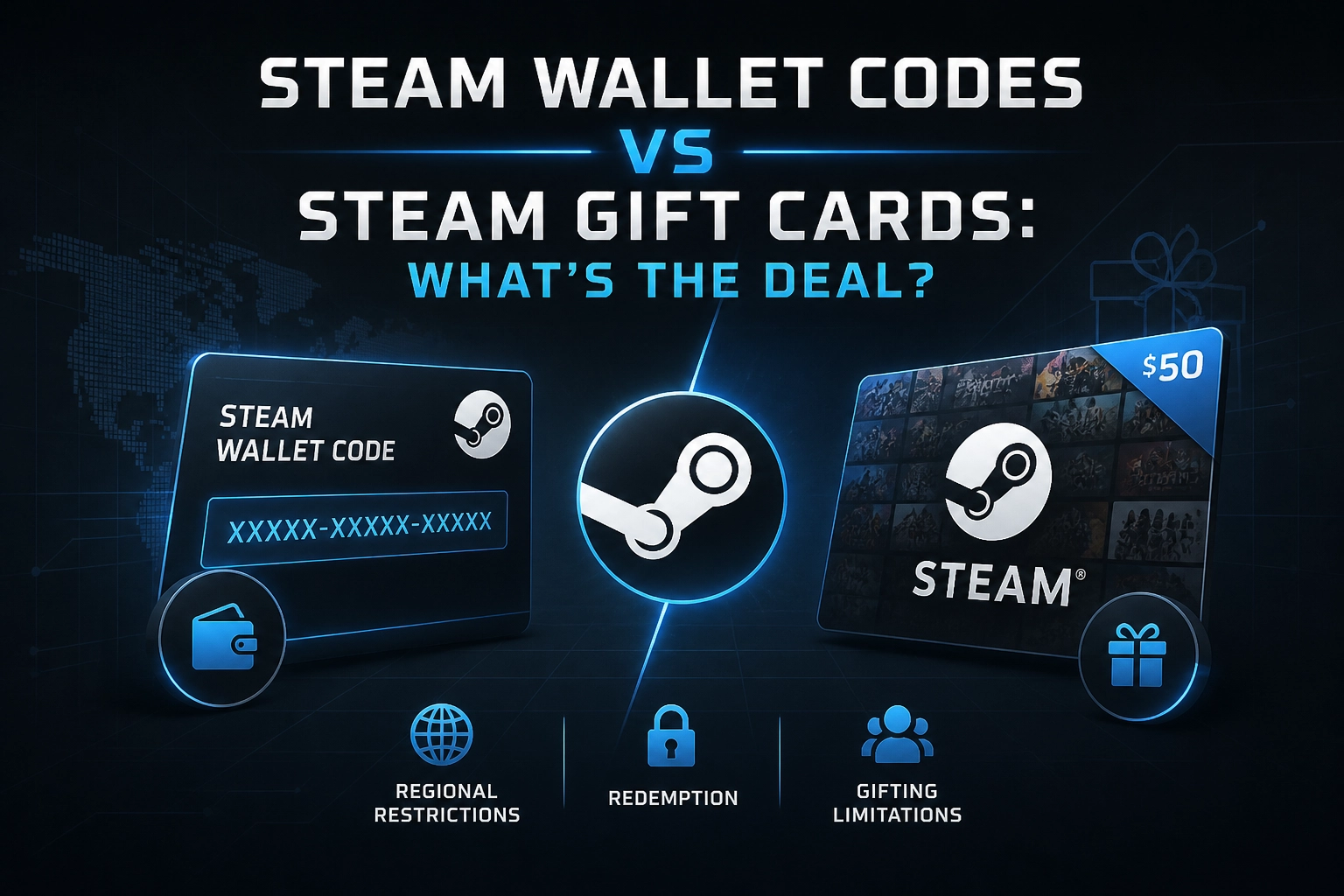
Two cards sitting side by side in the same digital aisle, looking almost identical. One is a Steam Gift Card, the other a Steam Wallet code, and at first glance they seem to do exactly the same thing: put money in your Steam account. Scratch the surface, though, and they start to act very differently, especially once gifting, transferring, or buying in-game currency enters the picture. This guide compares a Steam Gift Card with a Steam Wallet code and answers the question that trips people up: what can be gifted, and what stays locked to an account.
The Core Difference Between a Steam Gift Card and a Steam Wallet Code
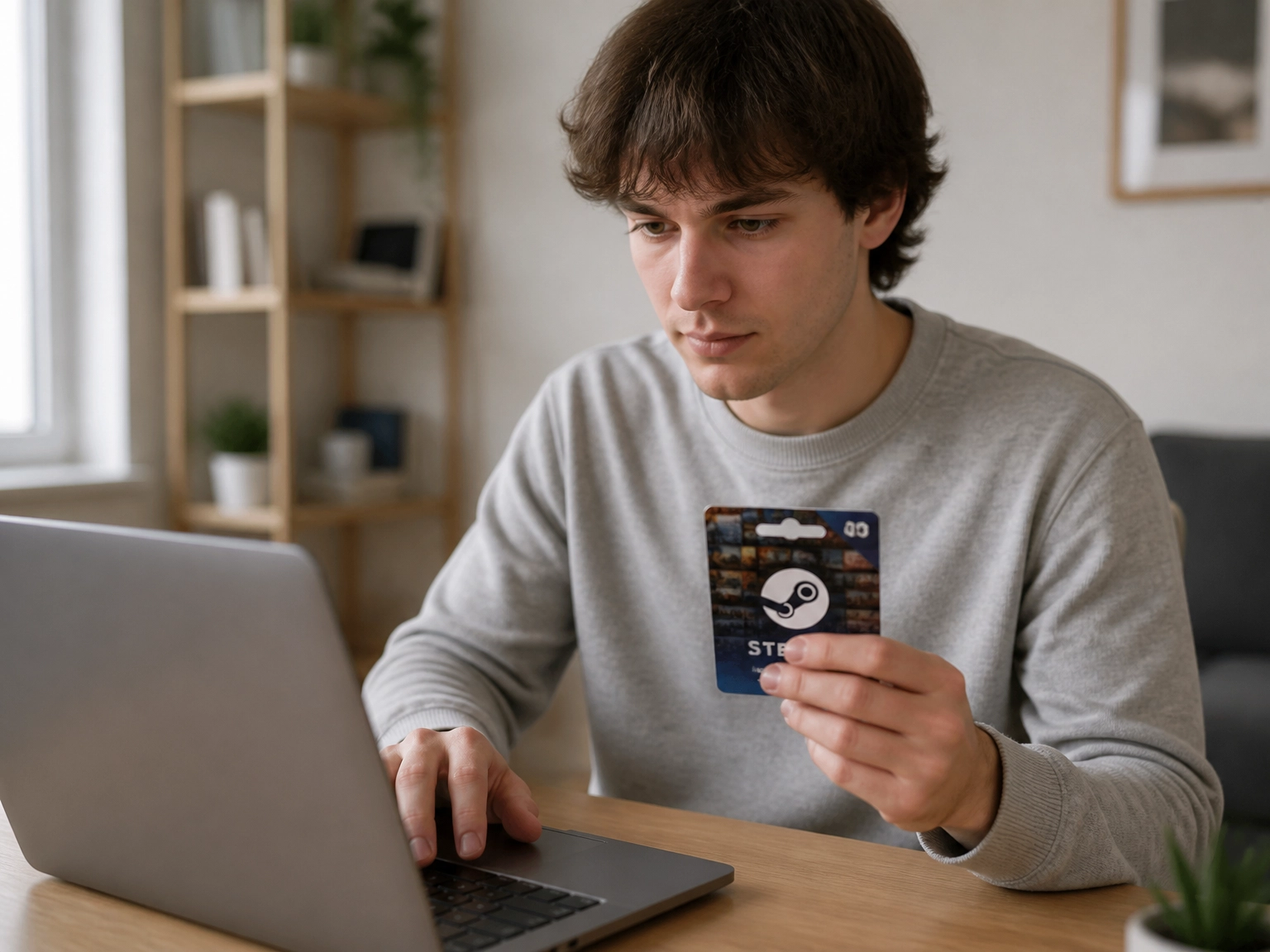
Here’s the plain version: a Steam Gift Card is what you buy, and a Steam Wallet code is what you type in to load its value into your Steam Wallet. The code is the funding mechanism, not a separate currency. Redeeming adds the card's value to your wallet balance.
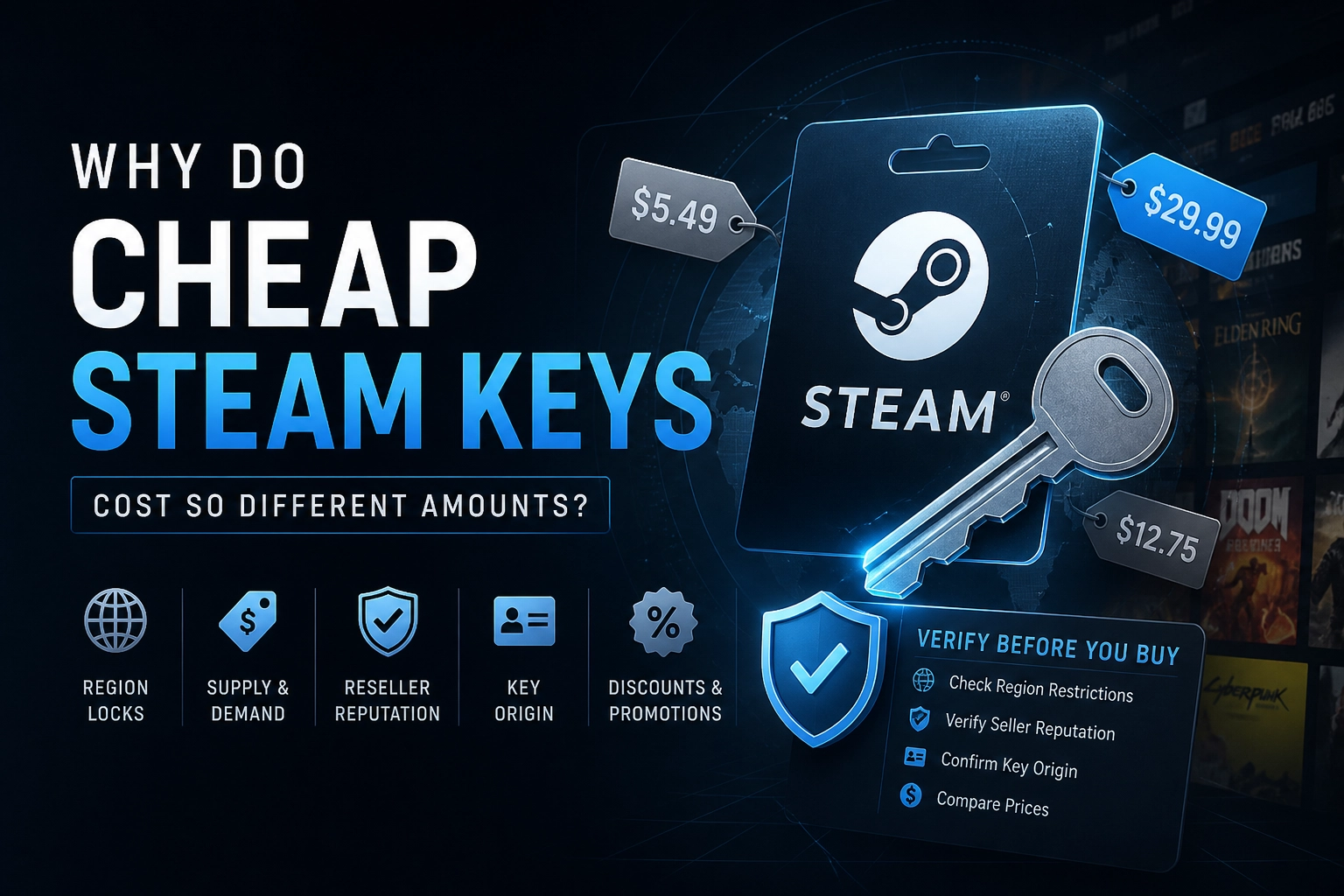
Retailers and marketplaces use the two names interchangeably, which is the real reason this question keeps coming up. Plenty of store listings say Steam gift card while what you type in is a wallet code, and neither description is technically wrong. Either way, the money ends up as wallet balance. The differences that matter all sit before redemption: how the code reaches you, whether you can hand it to another person, which region it is locked to, and whether the balance can expire where you live.
A digital Steam gift card is a format, not a product tier. It means the code is emailed or shown on screen instead of printed on plastic, and the value still lands in your wallet the same way. For the finer points, check Steam Support or the Steam Subscriber Agreement. The same region and code basics apply to other gift cards, like these Roblox gift cards explained, and to wholesale and bulk digital keys for resellers.
Steam Gift Card vs Steam Wallet Code: Side by Side
With that clear, here's how a Steam gift card and a Steam wallet code stack up before you buy.
Format | What you receive | Where you buy it | How you redeem it | Give to someone else? | Move after redemption? | Region restrictions | Expiry | What balance buys |
|---|---|---|---|---|---|---|---|---|
Physical card | Card from a shelf | Retail store | Activate a Product on Steam | You can give the card while unredeemed | No; locked to account, no cash out | Yes; match account region | Varies by region; check terms (Japan: six months unspent) | Games, DLC, bundles; in-game currency only where Steam Wallet is accepted |
Emailed code | Code by email or on screen | Digital seller or marketplace | Activate a Product on Steam | You can give the code while unredeemed | No; locked to account, no cash out | Yes; match account region | Varies by region; check terms on Steam before buying | Games, DLC, bundles; in-game currency only where Steam Wallet is accepted |
Steam-sent digital gift card | Delivered straight to a friend's account, no code shown | Steam directly | The recipient chooses the game at checkout | Sent to one chosen friend; cannot be re-sent | No; locked to that account, no cash out | Yes; account region applies | Varies by region; check terms on Steam before buying | Games, DLC, bundles; in-game currency only where Steam Wallet is accepted |
Region and expiry terms vary, so re-check them on Steam before you buy. The same region check applies to PSN Gift Cards and other platform codes. Next, we'll walk through redemption step by step.
How Redeeming a Steam Wallet Code Actually Works
The table makes redemption look simple, and for the most part it is. Both routes start in the Steam client or on the Steam website, under your account menu, using Activate a Product on Steam.
For a standard code, open Steam, choose Activate a Product on Steam, paste or type the code, and confirm. The value lands in your wallet balance. Enter the code exactly as it appears on the card, and check Steam Support if it won't go through.
For a Steam-sent digital gift card, pick the recipient from your friends list, add a short message, and pay. You never handle a code, and check Steam Support on whether it can be recalled before you hit send.
A region error is not a broken code. It normally means the code was issued for a different region than the account trying to redeem it, and retyping won't fix that.
The money always lands in the wallet of whoever redeems it. Redeem only on the account that should keep the funds. Once the balance is there, it can go toward anything Steam sells, including the rumored Call of Duty: Modern Warfare 4 if it pans out.
Can You Gift or Transfer Steam Wallet Funds?
So you've redeemed a code and watched the balance land. Here's the catch: once funds are in your Steam Wallet, they are locked to that account. You cannot cash them out, move them to a second account, or send your balance to a friend.
Unredeemed codes are a different story. That is the whole trick behind gifting. A Steam Gift Card works as a gift because nobody has typed the code in yet. A Steam-sent digital gift card is different: it goes straight to the recipient's account, so check Steam's terms on refunds and re-sending before you buy one.
Region locking is a common gifting failure. A code bought in one country may refuse to redeem on an account registered in another, so confirm the region before buying for someone overseas. The practical rule is simple: gift the code, never the balance. If the money has already touched a wallet, it stays there. If you're comparing other digital purchases too, our breakdown of whether Xbox Game Pass Ultimate is still worth it in 2026 follows the same check-the-terms-first logic.
What Your Steam Wallet Balance Can Buy: Games, DLC and In-Game Currency
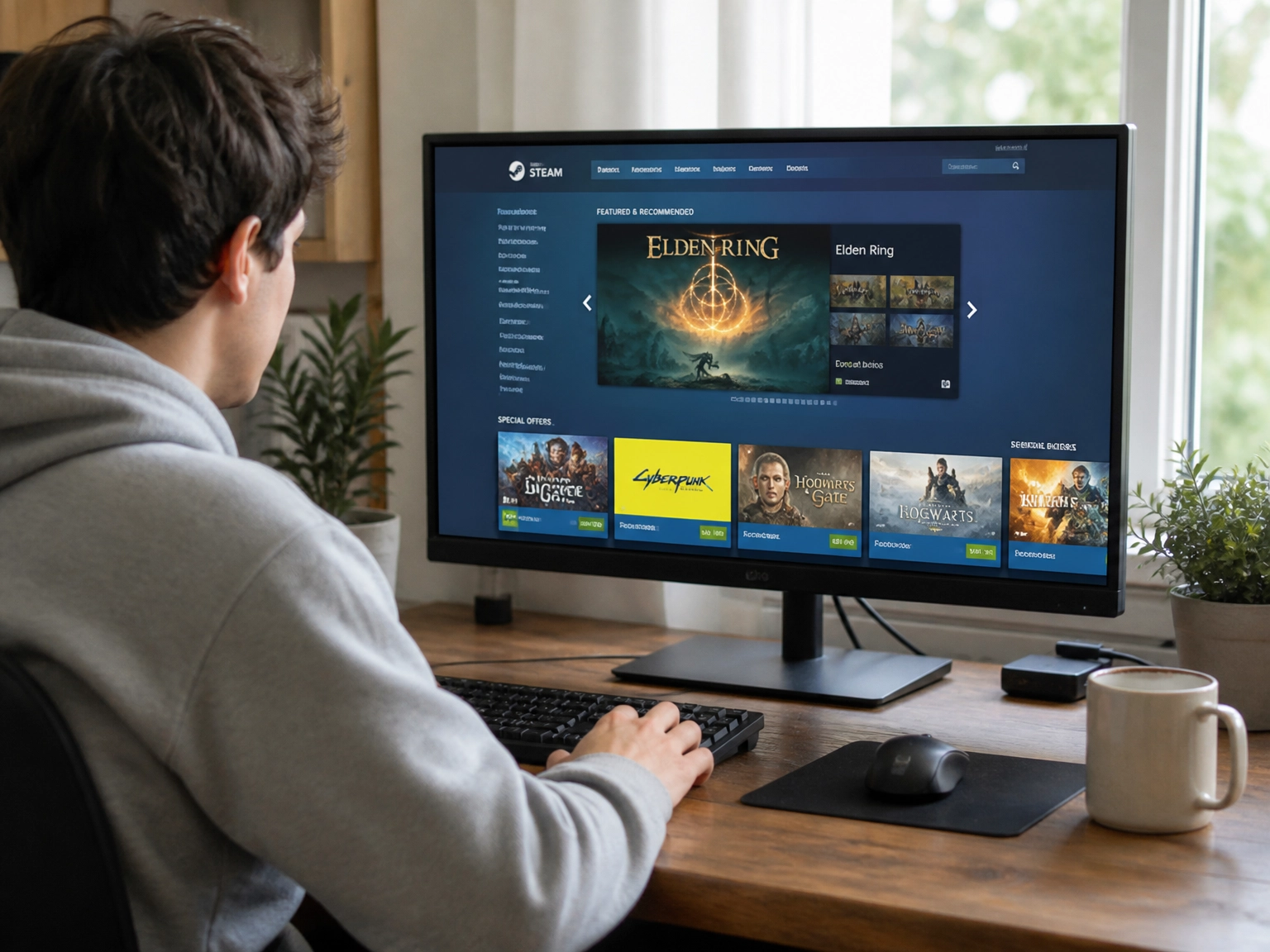
Once money is in your wallet, it behaves like ordinary Steam money. It covers games, DLC, expansions, and most bundles, all paid straight from your balance at checkout, including when you're ready to own the game outright.
In-game currency is the gray area. Some games accept Steam Wallet funds through Steam's in-game purchase flow. Others run their own store or platform wallet and won't touch your balance. Check the specific game before assuming.
Community Market purchases and in-game item buys can draw on the same balance where those features exist, but confirm the current rules on Steam Support rather than treating that as universal.
Your balance cannot be cashed out, spent outside Steam, or moved to another platform's store, and Steam's terms state wallet funds have no value outside Steam. Don't treat it like a savings account.
Do Steam Wallet Codes Expire? What US, UK and Japanese Players Should Know
That spending flexibility comes with one more question: can your balance or code actually expire? The short answer is that it depends on your region, and there is exactly one confirmed case worth knowing about.
The Japan Clause, and What It Does Not Say
Valve added a clause to the Steam Subscriber Agreement allowing wallet funds added by players in Japan to expire if unspent for six months, as reported following the change. The wording was first reported by Japanese outlet Automaton and only drew wide attention in early October 2026, when social media users finally spotted it.
Here is the part that matters: the source names Japan only. Any claim that wallet balances expire globally, or in the US and UK, is unsupported. The clause also isn't being enforced yet, since Steam support reportedly confirmed no start date has been set.
What US and UK Readers Should Take From This
No equivalent expiry rule could be confirmed for the US or UK. That doesn't mean balances never expire, either. Check your current Steam Wallet terms directly rather than trusting a blanket promise.
The practical takeaway: before buying any code, confirm whether it's region-restricted or time-limited where your account is registered. This goes double for imported or cross-region codes from third-party sellers.
Which One Should You Buy? A Quick Decision Guide
With expiry out of the way, the choice comes down to who is spending the money. Buying a present? A Steam gift card or an unredeemed Steam gift card digital code is the safer pick. You can hand over the card or send the code by message, and the recipient redeems it on their own account. Topping up your own balance? Either works, though a Steam wallet code is usually faster because there is no recipient to select and nothing to forward. Want it to land in a friend's account instantly? Use Steam's digital gift card, but accept that it cannot be reversed, refunded, or re-sent once delivered. Buying for someone in another region? Match the code to the region of the account that will redeem it, or choose a different gift. Planning to buy in-game currency? Check that the specific game accepts Steam Wallet funds first, since eligibility varies by title and publisher. If you are weighing a console gift instead, our PlayStation vs Xbox comparison is the better place to start.
Before You Buy: A Five Point Checklist for Steam Gift Card Digital Codes
Once you've settled on a code, these five checks prevent most of the headaches people post about later:
Region match. Confirm the code covers the same region as the Steam account that will redeem it, and that the currency is right. A US account needs a US code.
Expiry. Confirm the balance terms for your region before checkout.
Who redeems it. Are you handing over a code, or sending funds straight into a specific account? These are different products with different outcomes.
Spending plan. If in-game currency is the goal, check that the game takes Steam Wallet funds.
Delivery and security. Digital codes arrive by email, so there's no shipping wait. But they work for whoever redeems first, so treat them like cash. Retailers such as ElectronicFirst list gaming gift cards and digital codes across platforms, and with every platform, one checkout you can confirm the listed region before you pay.
Get these right and redemption is the easy part.
The Short Version
A Steam gift card is the product you buy. A Steam wallet code is the mechanism that loads it. Once redeemed, the two are indistinguishable inside your wallet, so the difference lives entirely in how the code reaches you and who can use it.
Gift the code, never the balance. Redeemed funds cannot be transferred, cashed out, or moved between accounts. Treat an unredeemed code like cash.
Check the region on any code before buying, especially for gifts, and check the game itself before assuming wallet funds cover its in-game currency.
Treat expiry as a regional question, not a global one. Japan is the confirmed case, where unspent wallet funds can expire after six months; US and UK readers should verify current terms rather than assume.
And if you want a code in hand today, digital delivery gets it to you without a trip to a shop.
Conclusion
Head to ElectronicFirst, where every platform sits behind one checkout via our about page, and grab the digital Steam gift card that fits your region. Treat it like cash and redeem it.